EasyManua.ls Logo

Audio Analogue Puccini Settanta - User Manual

Default Icon
20 pages
Print Icon
To Next Page IconTo Next Page
Loading...
AUDIO ANALOGUE
puccini
SETTANTA
INTEGRATED AMPLIFIER
REV2.0
OWNER’S MANUAL
MANUALE D’ISTRUZIONI
Manual rev.2.0c

Other manuals for Audio Analogue Puccini Settanta

Questions and Answers

  • P
    Peter OwensAug 3, 2025
    What to do if the Audio Analogue Amplifier remote controller doesn’t work?
    • S
      Scott ThomasAug 4, 2025
      If the remote controller for your Audio Analogue Amplifier isn’t working, first, ensure that the batteries are correctly placed and not worn out; replace them if necessary (2 ‘AAA’ batteries). If that doesn't work, try getting closer to the unit or reducing the angle at which you are standing from the front panel.
  • T
    Terry FoxAug 9, 2025
    Why is there no sound and only one LED is on on my Audio Analogue Puccini Settanta Amplifier?
    • J
      Joyce Grant MDAug 9, 2025
      If you are experiencing no sound and only one LED is on for your Audio Analogue Amplifier, try the following: * Turn the volume knob to the right to increase the volume. * Check the signal cords and their connections between the amplifier and the audio sources. * Verify that the source is on, active, and correctly selected using the input selector. * Check the power cords and their connection between the amplifier and the speakers.
  • M
    Monica CharlesAug 15, 2025
    How to fix recording issues with Audio Analogue Amplifier?
    • R
      richard13Aug 15, 2025
      If you're unable to record with your Audio Analogue Amplifier, ensure that you've selected the correct source using the recording selector.
  • R
    rayalisonAug 21, 2025
    How to troubleshoot no LED and no sound on Audio Analogue Amplifier?
    • D
      Daniel MillerAug 21, 2025
      If there is no LED light and no sound coming from your Audio Analogue Amplifier, ensure that the power cord is correctly plugged into the wall outlet. Also, after unplugging the power cord, check the fuses in the fuse panel above the IEC inlet and replace them with new ones of the same type if they are burned out.
  • T
    tsmithAug 27, 2025
    What to do if Audio Analogue Amplifier input LEDs and volume LEDs are mismatched?
    • B
      brett77Aug 28, 2025
      If the selected input LEDs are on but the volume control LEDs are off (or vice versa) on your Audio Analogue Amplifier, this could indicate a faulty or incorrectly plugged front panel. Contact your Audio Analogue retailer for a connections check and front panel substitution.

Summary

Introduction and Safety

General Warnings

Respect safety standards before operating the equipment.

Safety and Maintenance Precautions

Understand the manual before any operation, use, or maintenance.

Front Panel Overview

Input Selector

Selects the desired audio source, indicated by blue LEDs.

Input Indicators

Blue LEDs indicating the selected input source.

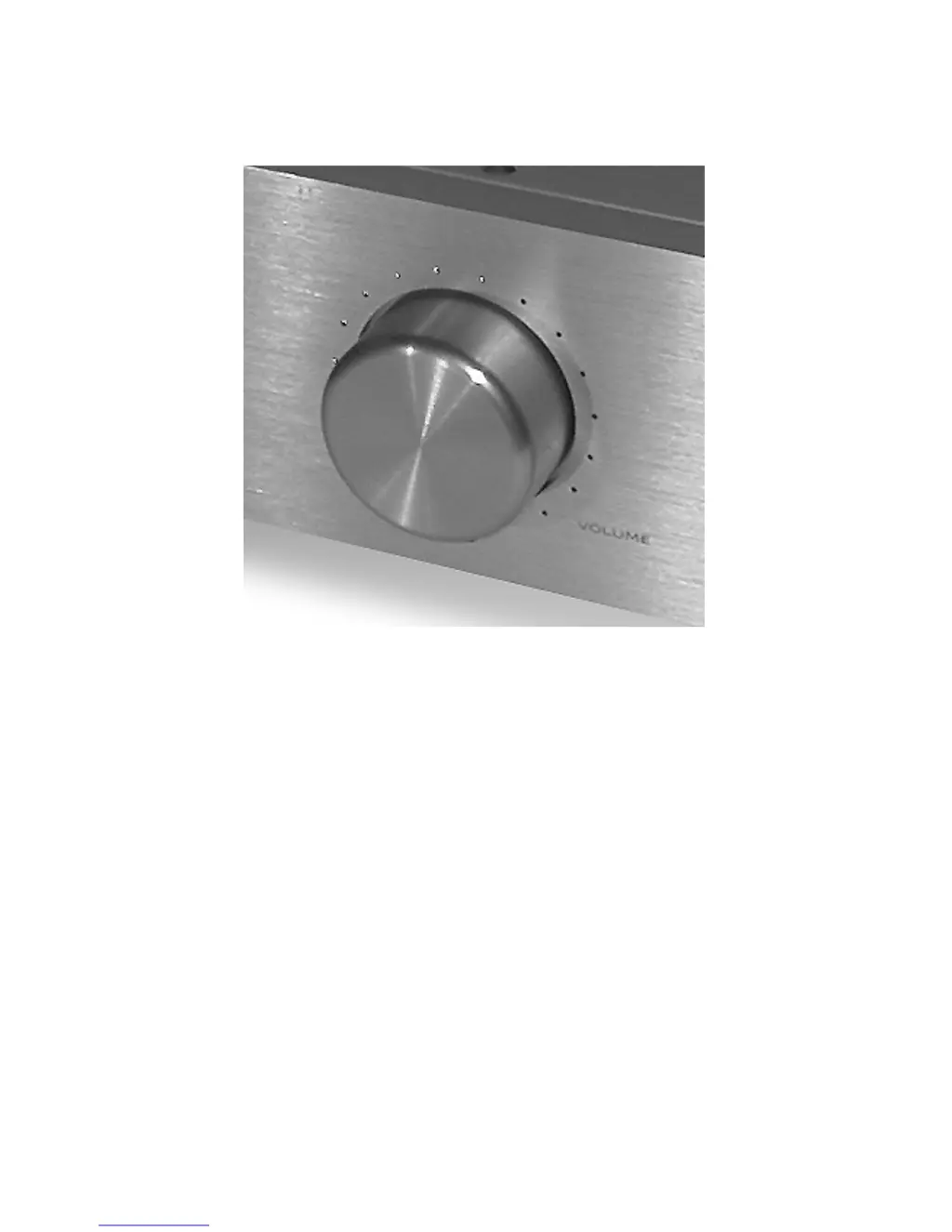
Volume Control and LEDs

Adjusts volume and displays level with LEDs.

IR Receiver

Receives infrared signals from the remote controller.

Back Panel Connections

Speaker Outputs

Connectors for right and left speakers.

Phono and Line Inputs

MM/MC phono input and analog line inputs.

Outputs (Tape, Mono)

Outputs for tape recording and subwoofer connection.

Power and Protection

IEC power inlet, switch, and fuses for power and protection.

Remote Control Functions

Standby and Mute Control

Activates standby mode and mutes audio output.

Volume Adjustment

Adjusts the volume level up or down.

Input Selection and Setup

Selects sources, navigates setup, and accesses bypass options.

Audio Analogue Puccini Settanta Specifications

General IconGeneral
TypeIntegrated Amplifier
Total Harmonic Distortion< 0.1%
Signal-to-Noise Ratio> 100 dB
Inputs4 x RCA, 1 x XLR
Power Output70 W per channel (8 Ohm)
Input Impedance47 kOhms
Outputs1 x Pre-out

Related product manuals