8
audio pro
3. FUNCTIONS
English
1
2
3
4
5
6
7
8
9
10
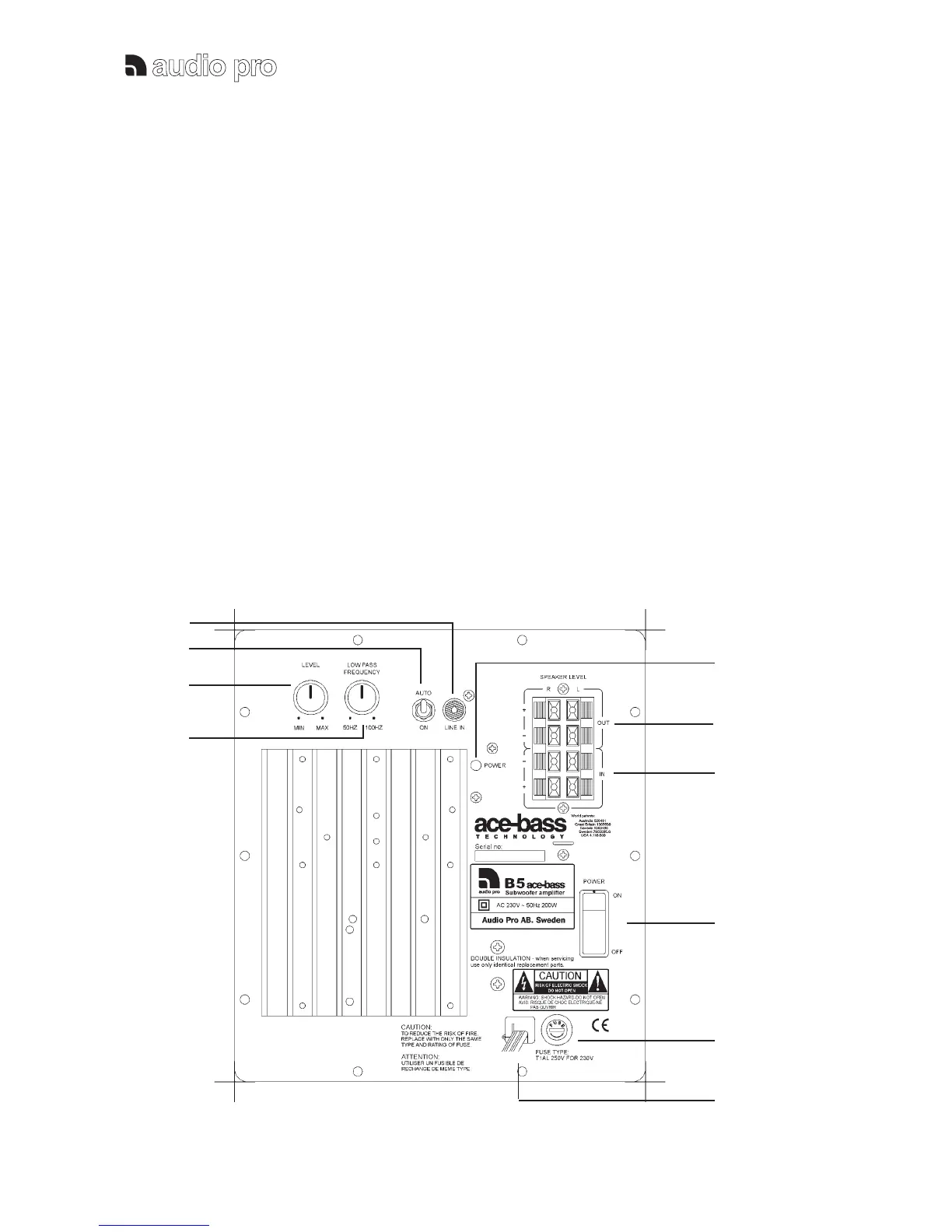
Power switch (8):
To switch the subwoofer amplifier to ON or OFF mode.
Make sure it is turned OFF during installation.
Turn OFF the subwoofer when it will not be used for a
longer period of time.
Standby switch (2):
In Auto mode: The amplifier goes automatically into
standby mode if no signal been detected in 20 minutes.
In ON mode: The amplifier will be constanly ON.
Main Power indicator: (5)
The red indicator shows the operation status of the
subwoofer. Red light - subwoofer is on or in standby
mode.
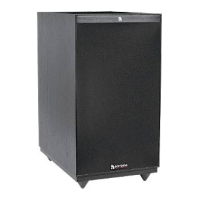
Power indicator: (Red on front)
The red indicator shows the operation status. Red light
- the subwoofer is on.
Volume control (3):
The sound level of the subwoofer can be adjusted. Use
the Level control carefully, remember that
program material may contain very high energy.
LowPass (4):
The Lowpass crossover frequency can be adjusted
variably between 50 and 100Hz. This gives you a
unique possibility to perfectly match the Subwoofer to
your satellite speakers. The lowest frequencies will be
reproduced only by the subwoofer.



 To Next Page