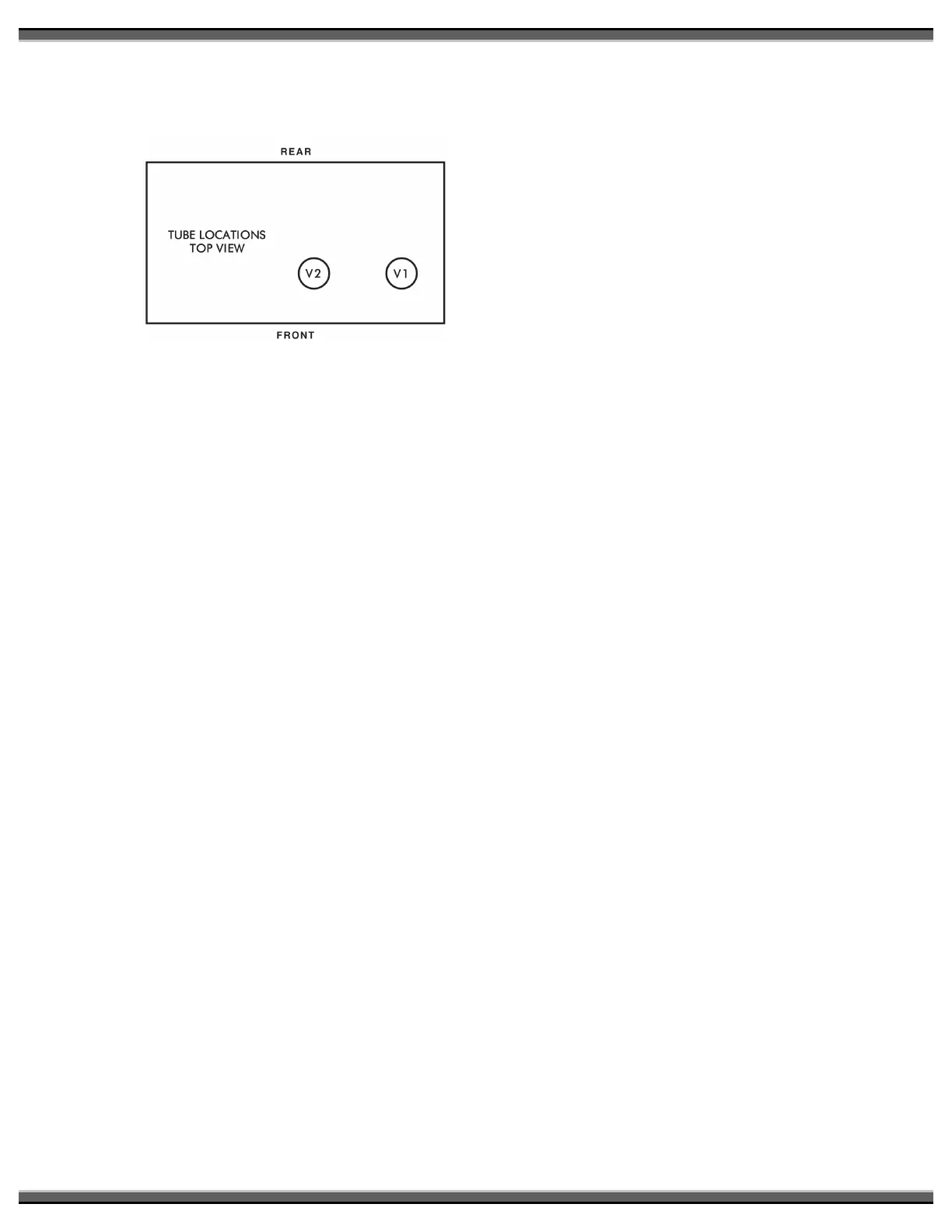
Diagram indicates relative positions of two
6H30 tubes located on circuit board as
viewed from the front and looking down from
above the preamplifier.
Description of Controls
Front Panel Rotary Controls
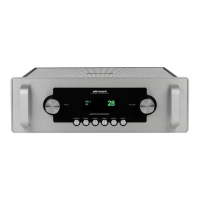
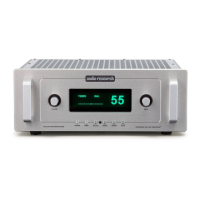
The LS27 has two microprocessor-driven
rotary controls.
The rotary control on the left adjusts
Volume (output level) up or down for
both R and L channels. Volume control
is also selectable via Vol DN and Vol UP
buttons on the remote control. Volume
adjustment is indicated in the display
window by numeric digits on 0–103
scale.
Do not turn volume up beyond normal
listening levels when “mute” is engaged
to avoid unexpected or possibly
damaging sound levels. Reduce
volume level whenever changing input
sources, even when muted.
The rotary control on the right selects
any of six input sources connected to
the preamp: CD, Video, Aux 1, Aux 2,
tuner and phono. Each of these sources
may also be selected via direct access
buttons on the remote control. The
selected source is indicated in the
display window.
Front Panel and LS27R Remote Control
Buttons
Power On/Off: Supplies power from A.C.
wall outlet to preamp; indicated by
active display window. Function also on
remote control.
For approximately 50 seconds after start
up, ‘Mute’ appears in the display
window and flashes until the automatic
muting cycle is completed. This also
occurs in the event of power
interruption. Upon completing the cycle,
“Mute” will cease flashing. The preamp
will remain muted until normal operation
is selected by pressing the “Mute”
button.
Mute: When activated, electrically
mutes all output of the preamplifier;
indicated by “Mute” in display window.
This control should be activated before
switching inputs, changing connections
or shutting down your audio system to
help protect your amplifier and speakers
from unexpected signal pulses. When
deactivated, “Mute” disappears from
the display window allowing normal
operation. Function also on remote
control.
The LS27 also has automatic muting to
help protect system components during
A.C. power interruptions or low line
voltage. When sensing these conditions,
the preamp automatically goes into
‘Mute’ and disables all outputs. The 50-
second warm-up timer will restart and
‘Mute’ will flash in the display window
when normal power conditions have
been restored.
Note that automatic muting is only
designed to protect against power line
interruptions or severe voltage drop. It
will not mute in the event of subsonic
transmissions from a faulty input source,
amplifier failure or speaker malfunction.
Processor (PROC): May be selected by
button on front panel or on remote
control. Selects external A-V (home
theater) processor as input source and
controller of volume level for R and L
channels. LS27 provides Unity Gain
when this input is selected.
When engaged, ‘PROC’ and ‘UNITY
GAIN’ will appear in the display, and the
volume control is not adjustable
because gain is fixed. The preamp will
also mute the input after ‘PROC’ is
engaged.



 To Next Page