8: Playback Functions
Page 16
Play/Pause
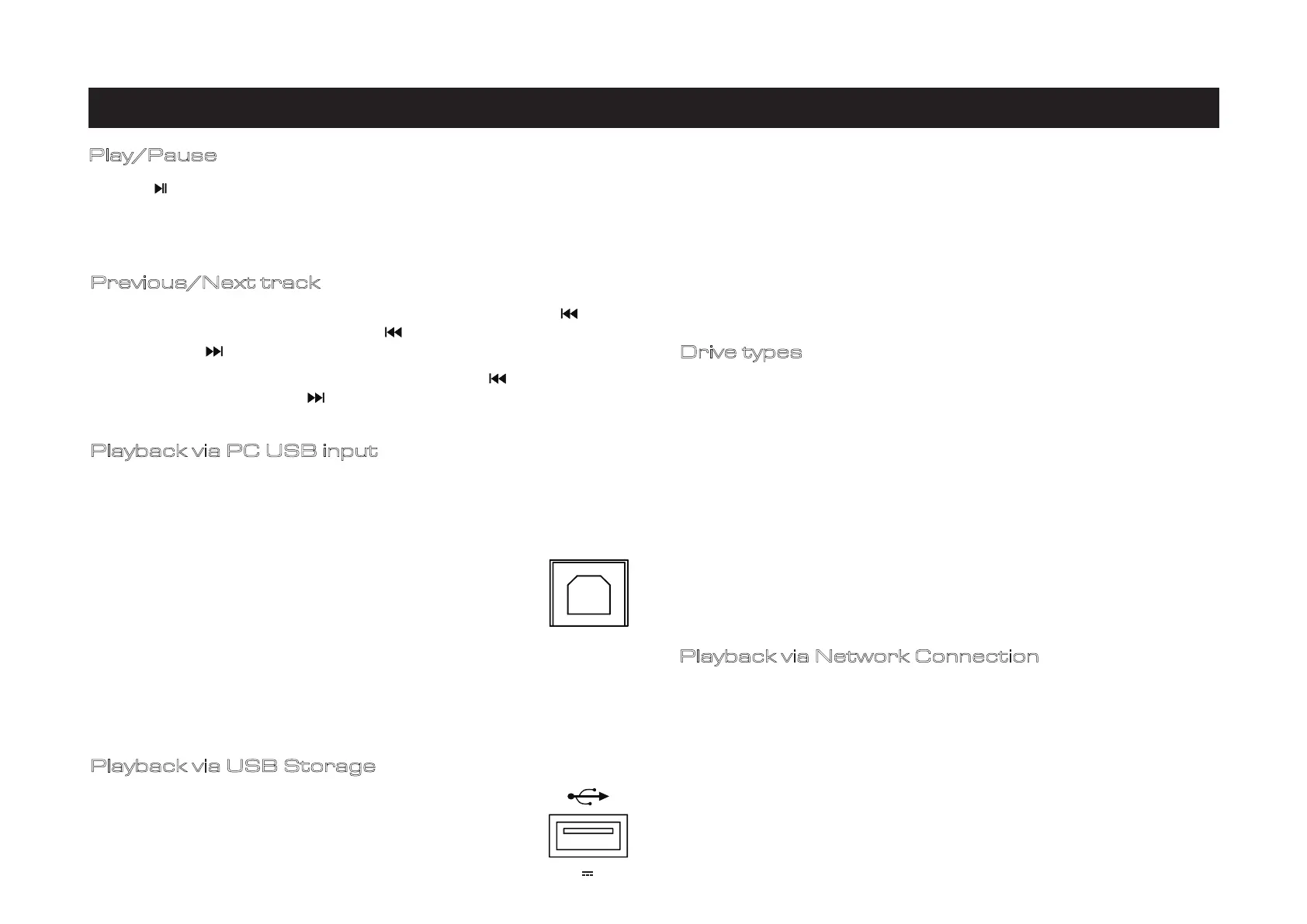
Playback via PC USB input
USB DRIVERS
Download the Windows PC USB Driver from audiolab.co.uk
Full instructions and details of operation are provided with the PC
USB driver download.
Connect your computer to 9000N via USB cable (type A to Type B)
and select PC USB source using the handset or the SELECT button
on the front panel.
“No Input Signal “will be displayed if there is no input signal to the
USB input. When you play a file the digital inputs will lock onto the
digital signal as soon as there is an input signal for USB. The display
screen will then show the output sampling frequency of the music
file from your computer
Playback via USB Storage
Insert your USB disk with supported track files to the USB-A, which
is located next to the Ethernet port on the rear panel. Locate the
‘Music Library’ in the settings page of the Audiolab 9000N app.
The USB Storage library will be named as XXXXX USB Music Server
(XXXX is the corresponding name of your 9000N).
Playback
via Network Connection
Drive types
The 9000N supports local NAS/USB Storage and multiple-streaming services (Qobuz,
Tidal, Spotify and TuneIn). It also supports standard UPnP connection, Spotify
Connect and Tidal Connect. You can also manage your media via ROON since the
9000N has ROON READY certification.
Compatible Drive specifications
The 9000N is compatible with a variety of USB disks. They are required to be:
Single-partition only, FAT32, exFAT and NTFS format only,
Size: Max 4TB is recommended. Depending on the model and make, up to 8TB is
possible but not guaranteed due to individual drive specifications.
Supported file formats include: FLAC, Apple Lossless (ALAC), WAV, AIFF, MQA, DSF,
DSDIFF (DFF), DoP, MP3, ACC
Most standalone flash drives are compatible with 9000N out of the box, including
Flash drives / Thumb drives / Memory sticks / Pen drives (all often arriving formatted
FAT32). If you are reformatting, please ensure that the drive is single-partition and
formatted FAT32, exFAT and NTFS only.
USB-powered portable disks: Lightweight, portable, low-powered USB disks (often
arriving formatted NTFS) are frequently compatible with 9000N. Some, however, do
require more power than 9000N can provide over USB.
Portable USB disks with their own power supply: Dedicated 'desktop' USB disks with
their own power supply are commonly compatible with 9000N. Some, however, are
actually SATA disk enclosures, and we have found these to be more problematic.
Adapters and Enclosures: USB HDD enclosures (containing a SATA disk) and SD /
Compact Flash / TF / etc adapters are not normally compatible with 9000N.
Press the on the remote handset or long press the SELECT knob to play the music
on the playlist. Press the button on remote handset or long press the SELECT knob
again to pause the playback.
Previous/Next track
For Streaming control:Skip back to the start of current track by pressing button
once. Skip back to previous track by pressing button twice. Skip forward to next
track by pressing button once.
For PC USB control: Skip back to previous track by pressing button once. Skip
forward to next track by pressing button once.
USB
(5V 1A)


 To Next Page
 Loading...