5: Menu options
Page 9
The menu enables you to customise the unit and optimise the interface with other
equipment in your system.
9000N has 11 different menu pages. Press the MENU key on the remote to enter
MENU mode. You can navigate the menu using the VOL- or VOL+ buttons. Confirm/ac-
cess the sub menus with the >II button. You can also navigate the menus with the
SELECT knob on the front panel. Turn the knob to browse menus and press to access
sub menus and confirm selections.
MQA Decoding
• Full Decode (PCM Upsampling Off) - This
enables the full internal MQA decoding
process of the 9000N, and simultaneously
enables PCM streaming via SPDIF (COAX or
OPTICAL) up to 192kHz. The SPDIF outputs
will be switched off when MQA decoding is
taking place, or if the PCM stream sample
rate is above 192kHz.
This mode is best for those streaming MQA and using the analogue outputs, or for
streaming PCM (FLAC, WAV etc.) and using either analogue or digital outputs.
• Full Decode (PCM Upsampling On) - this enables the full internal MQA decoding
process of the 9000N, and upsamples both MQA and PCM to 352.8kHz or 384kHz.
This mode is for use with the analogue outputs only. The SPDIF outputs (COAX and
OPTICAL) are disabled.
• Core Decode - this option is suitable for users connecting to a 3rd party external MQA
renderer via SPDIF, up to a sample rate of 192kHz.
• Passthrough Mode - this will bypass the MQA decoding stage in the 9000N and allow
the full non-decoded signal to pass through the 9000N via the digital outputs. This mode
is suited to users who prefer to use a separate DAC within their system (for example,
when using the 9000N with the Audiolab 9000A). The MQA decoding will therefore
happen at the external DAC stage, not within the 9000N.
Default setting is Full Decode (PCM Upsampling OFF).
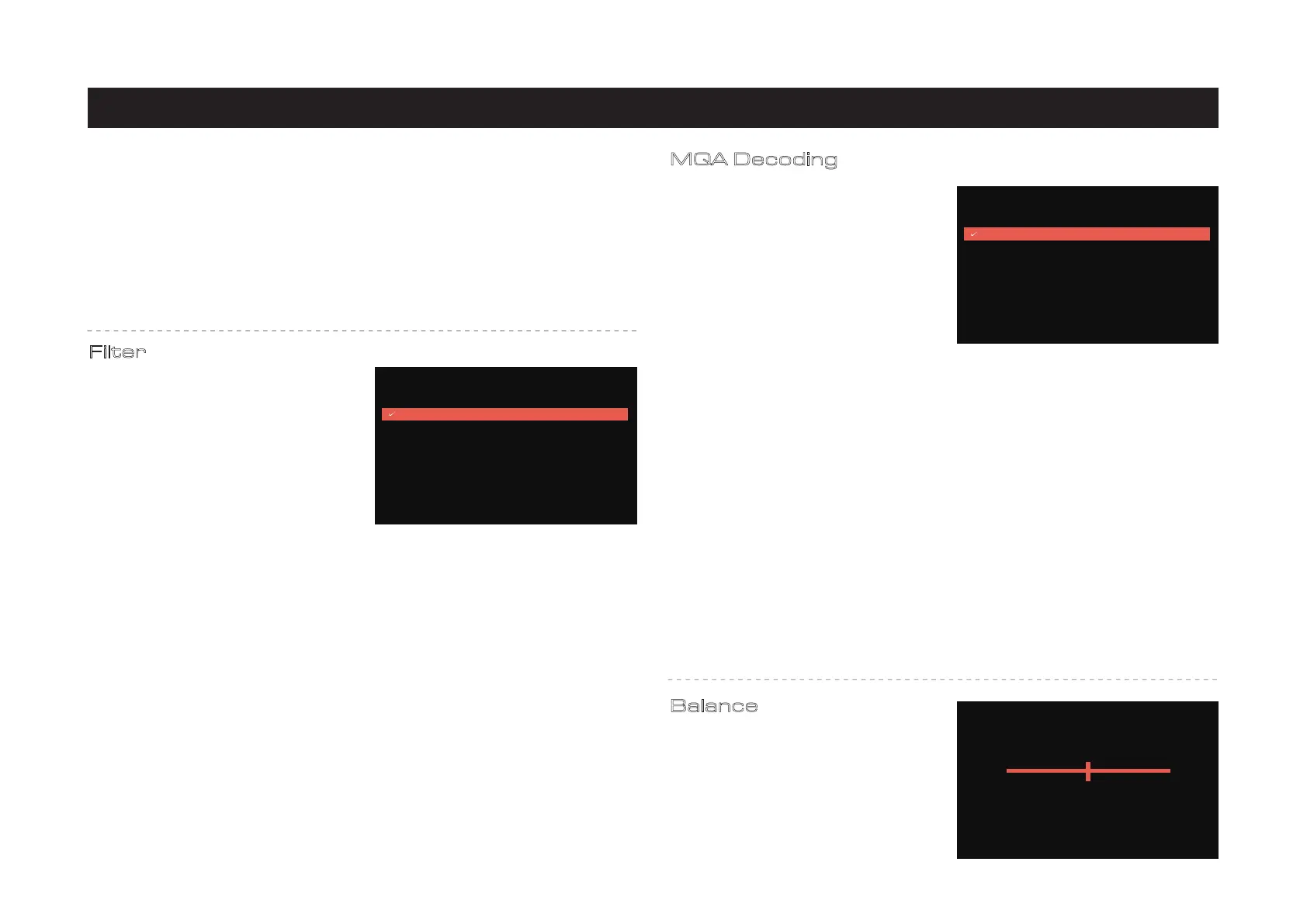
Filter
Configure the digital filter for the audio DAC.
Linear Phase (Slow Roll-Off) is the default
setting. One may prefer a particular type of
filter over another.
The Audiolab 9000A ESS ES9038PRO SABRE
DAC allows for detailed tuning of the audio
experience. The DAC reconstruction filter is
a critical part of refining the sound of a
system that depends on listening taste, program material, and equipment set-up.
• Linear Phase (Fast Roll-Off): This is the most common filter with a clean overall!
suppression and excellent rejection, best for music with large transients. Provides crisp
clean highs.
• Linear Phase (Slow Roll-Off): A low group delay and symmetrical input response with
less ringing than Linear-phase fast roll-off, it offers punchier bass than "Linear-phase
• fast roll-off, with clean highs. (Default)
• Minimum Phase (Fast Roll-Off): This offers minimal pre-ringing. lt is usually preferred
for imaging and sound stages. lt offers no aliasing in the frequency domain and stronger
bass than Linear Phase', with clean highs.
• Minimum Phase (Slow Roll-Off): A Non-Symmetrical filter designed to minimise
pre-ringing. It offers a strong punchy bass with a good transient attack.
• Hybrid: This is the combination of Linear-phase' and Minimum-phase'. lt offers a fast
transient attack, strong punchy bass and crisp highs.
Note: These filters are automatically disabled when streaming MQA, or if PCM
Upsampling is enabled.
Balance
Adjust the Left and Right balance of the
9000N output stage.
Settings / Filter
Linear Phase (Fast Roll-Off)
Linear Phase (Slow Roll-Off)
Minimum Phase (Fast Roll-Off)
Minimum Phase (Slow Roll-Off)
Hybrid (Fast Roll-Off)
Settings / Balance
L 0dB R 0dB
There are four MQA decoding options:
Settings / MQA Decoding
Full Decode (PCM Upsampling Off)
Full Decode (PCM Upsampling On)
Core Decode
Passthrough Mode


 To Next Page
 Loading...