2
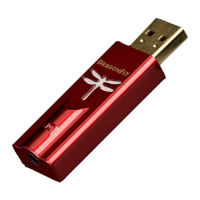
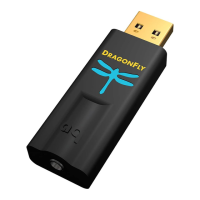
DragonFly DAC – Flight Manual
This short manual will take you through the few simple steps required to set
up your computer operating system so that sound from music, movies, web
videos, etc., will play through DragonFly with the best possible sound quality
… while your computer’s chimes and alerts are played through the computer’s
onboard sound card and speakers. However, rst we must discuss how to
adjust volume, because this part of the guide is not computer specic.
Adjusting Volume Level
When using DragonFly with headphones, powered speakers, or a power
amplier, it’s best to start at a low volume until the desired volume level is
achieved. When using DragonFly in this “variable output mode” we
recommend the following steps:
• Music player application (such as iTunes®) volume control should be set
to maximum.


 To Next Page