Need help?
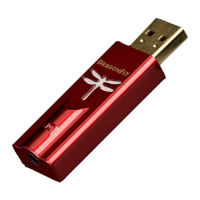
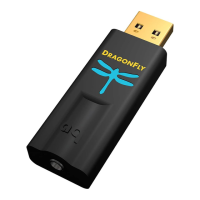
Do you have a question about the AudioQuest DragonFly and is the answer not in the manual?
Guide on setting volume for headphones, speakers, or amplifiers.
Step-by-step guide to configure DragonFly in Mac OS X System Preferences.
Configuring Audio MIDI Setup and understanding audio format for optimal playback.
Ensure alerts and sound effects play through computer speakers, not DragonFly.
Configure DragonFly using Windows 7 Control Panel settings.
Configure sound format and exclusive mode in Windows 7.
Set sound schemes to play alerts via computer speakers, not DragonFly.
Configure DragonFly using Windows XP Control Panel.
Configure sound playback and alerts in Windows XP.
Diagrams showing connection types for audio output.
Overview of different performance levels and their associated cables.
 General
| USB connector type | USB Type-A |
|---|---|
| USB 1.1 ports quantity | 1 |
| Digital audio optical in | 0 |
| Audio (L/R) out | - |
| Product color | Black |
| Audio playback formats | MP3 |

 To Next Page