3
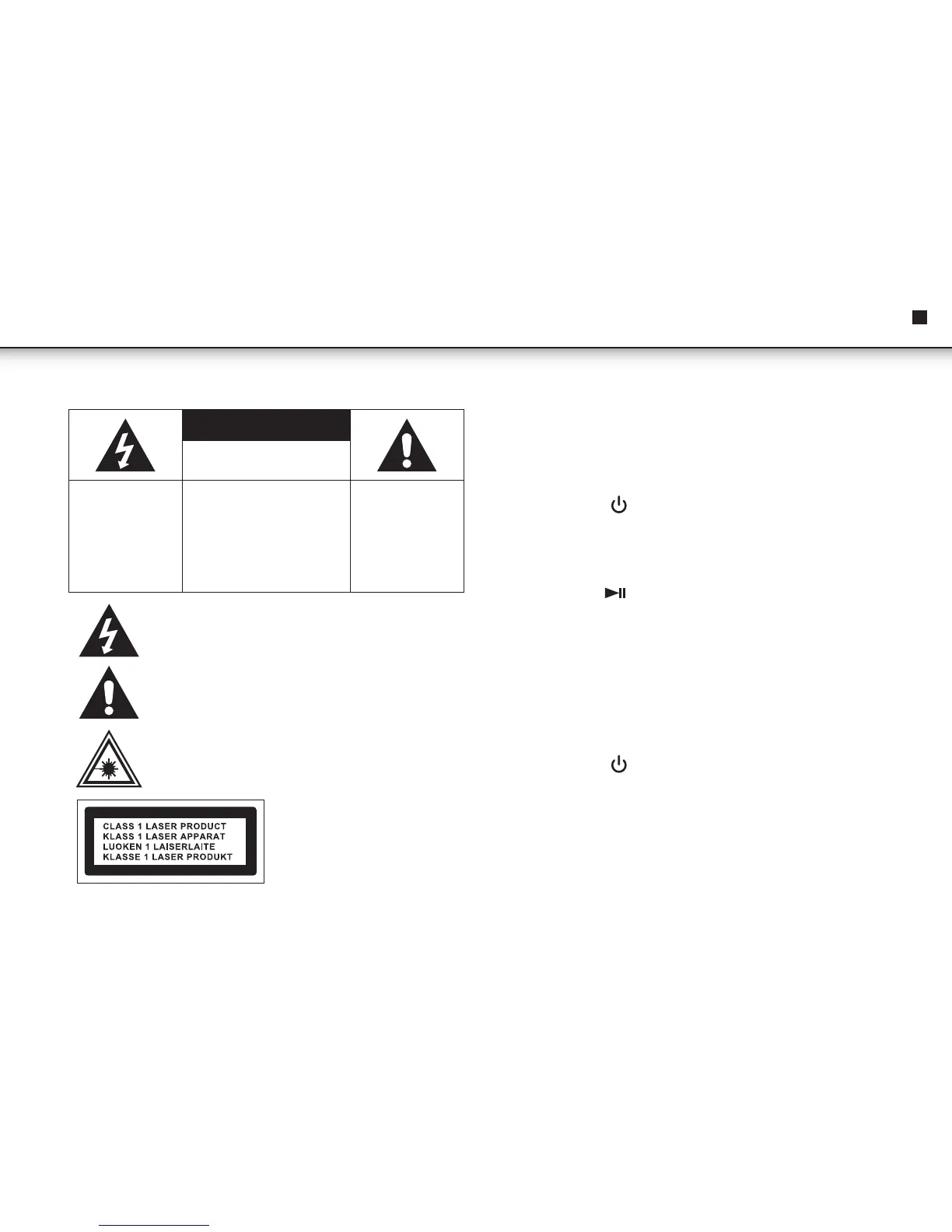
CAUTION
RISK OF ELECTRIC SHOCK DO
NOT OPEN
The lightning flash
and arrowhead within
the triangle is a
warning sign alerting
you of “dangerous
voltage’ inside the
product.
WARNING: To reduce the risk of
electric shock, do not remove
cover (or back). No user-
serviceable parts inside. Refer
servicing to qualified service
personnel.
The exclamation
point within the
triangle is a warning
sign alerting you of
important instructions
accompanying the
product.
TO REDUCE THE RISK OF FIRE OR ELECTRIC SHOCK,
DO NOT EXPOSE THIS APPLIANCE TO DRIPPING OR
SPLASHING LIQUIDS.
GROUNDING OR POLARIZATION. THE PRECAUTIONS
SHOULD BE TAKEN SO THAT THE WIDER BLADE OF
THE AC PLUG MUST MATCH THE SLOT IN RECEPTACLE
"WALL SOCKET".
CAUTION: INVISIBLE LASER RAOIATION WHEN
OPEN AND INTERLOCKS DEFEATED. AVOID EXPOSURE
TO BEAM.
QUICK START !
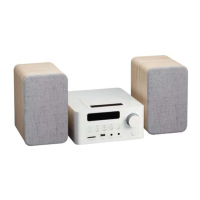
1. Connect the speakers & table stands
2. Plug ac-cord into wall socket & unwrap the fm-antenna wire
3. Press "ON/OFF" key to switch "ON" the unit
4. To listen to cd-player
• press "function" key repeatedly until "cd" is displayed
• press "open/close" key
• insert a disc (cd-audio or cd-mp3)
• press "play" key ( ) to start playing cd
• adjust volume (vol+) or (vol-)
5. To listen to radio
• press "tuner/band" key to switch to radio (tuner) mode
• press "tuner" key to switch to "fm" radio band.
• press "tuner" key again to switch to "am" radio band.
• press & release next to tune radio frequency up (1-step).
• press & release back to tune radio frequency down (1-step).
• "press & hold" next (2 secs.) to scan up (to seek next station).
• "press & hold" back (2 secs.) to scan down (to seek prev. station).
6. Press "ON/OFF" key to "OFF" the unit ("standby mode")
EN
Instruction Manual



 To Next Page