Need help?
Do you have a question about the AudioSource EQ 12 and is the answer not in the manual?
Adherence to instructions, warnings, and proper operation guidelines for safe use.
Guidelines for safe placement regarding moisture, ventilation, and heat exposure.
Precautions for power sources, grounding, polarization, and cord protection.
Instructions on cleaning, non-use, object entry, and when to seek qualified service.
Provides essential advice on defining objectives and adjusting equalizer sliders for desired sound.
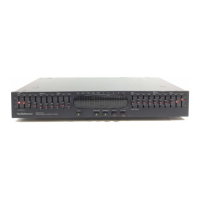
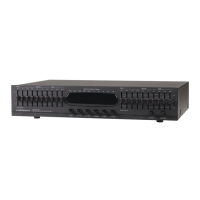
Explains the function of various buttons and switches on the EQ Twelve's front panel.
Details the operation and effect of the ten graphic equalizer sliders per channel.
Describes the visual display of signal levels and its correspondence with EQ sliders.
Details connecting the EQ Twelve through a receiver's tape monitor loop for signal flow.
Explains how to connect two tape decks for dubbing and monitoring.
Describes connecting other audio/video sources like CD players or VCRs to the EQ Twelve.
Explains the function of display buttons for sensitivity, channel selection, and pausing.
Details the Pink Noise Generator, microphone activation, and input jack usage.
Step-by-step guide to calibrating the left speaker for flat response using pink noise.
Step-by-step guide to calibrating the right speaker for flat response using pink noise.
Lists key technical details including frequency response, distortion, input/output, and dimensions.
Illustrates how sliders affect sound balance for various musical instruments.
 General
| Type | Graphic Equalizer |
|---|---|
| Channels | 2 |
| Number of Bands | 12 per channel |
| Frequency Range | 20 Hz - 20 kHz |
| Input Impedance | 50 kOhms |
| Output Impedance | 600 Ohms |
| Power Supply | 120V AC, 60Hz |
| Signal-to-Noise Ratio | 90 dB |

 To Next Page