EasyManua.ls Logo

AudioSource EQ 200 - User Manual

AudioSource EQ 200
12 pages
Print Icon
To Next Page IconTo Next Page
Loading...
Owner’s Manual
AdiOSOUl?CE!
EQ 200
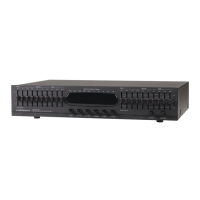
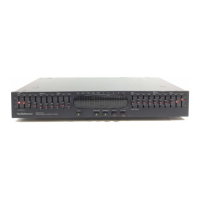
Ten-Band Stereo Graphic Equalizer
with Spectrum Analyzer Display
P,
Congratulations on your new purchase, and welcome to the AudioSource family of
satisfied customers. We trust that you will continue to enjoy the value and quality of your
AudioSource EQ 200 Stereo Graphic Equalizer.
In order to make sure that you are
experiencing the best performance from your unit, please take a few moments to read this
manual before you get started. Also, be sure to retain this manual should you need to refer
to it in the future.
0 1998 AudioSource, Inc.
Question and Answer IconNeed help?

Do you have a question about the AudioSource EQ 200 and is the answer not in the manual?

Summary

Safety Instructions and Precautions

Electrical and Handling Safety

Covers risks of electric shock, moisture, proper ventilation, and heat considerations.

Operating the EQ 200 Controls

Power and Input Selection

Describes the Power button and controls for selecting audio/video and tape inputs.

Front Panel Features Explained

Level and Slider Controls

Details the Left/Right Level controls and the ten EQ sliders per channel for frequency adjustment.

Connecting the AudioSource EQ 200

System Integration

Guides on connecting the EQ 200 into a receiver's tape monitor loop for system-wide equalization.

Tape Deck and Source Connections

Instructions for connecting tape decks and other audio sources like CD players or VCRs.

AudioSource EQ 200 Specifications

Detailed Warranty Terms

AudioSource EQ 200 Specifications

General IconGeneral
BrandAudioSource
ModelEQ 200
CategoryStereo Equalizer
LanguageEnglish

Related product manuals