10
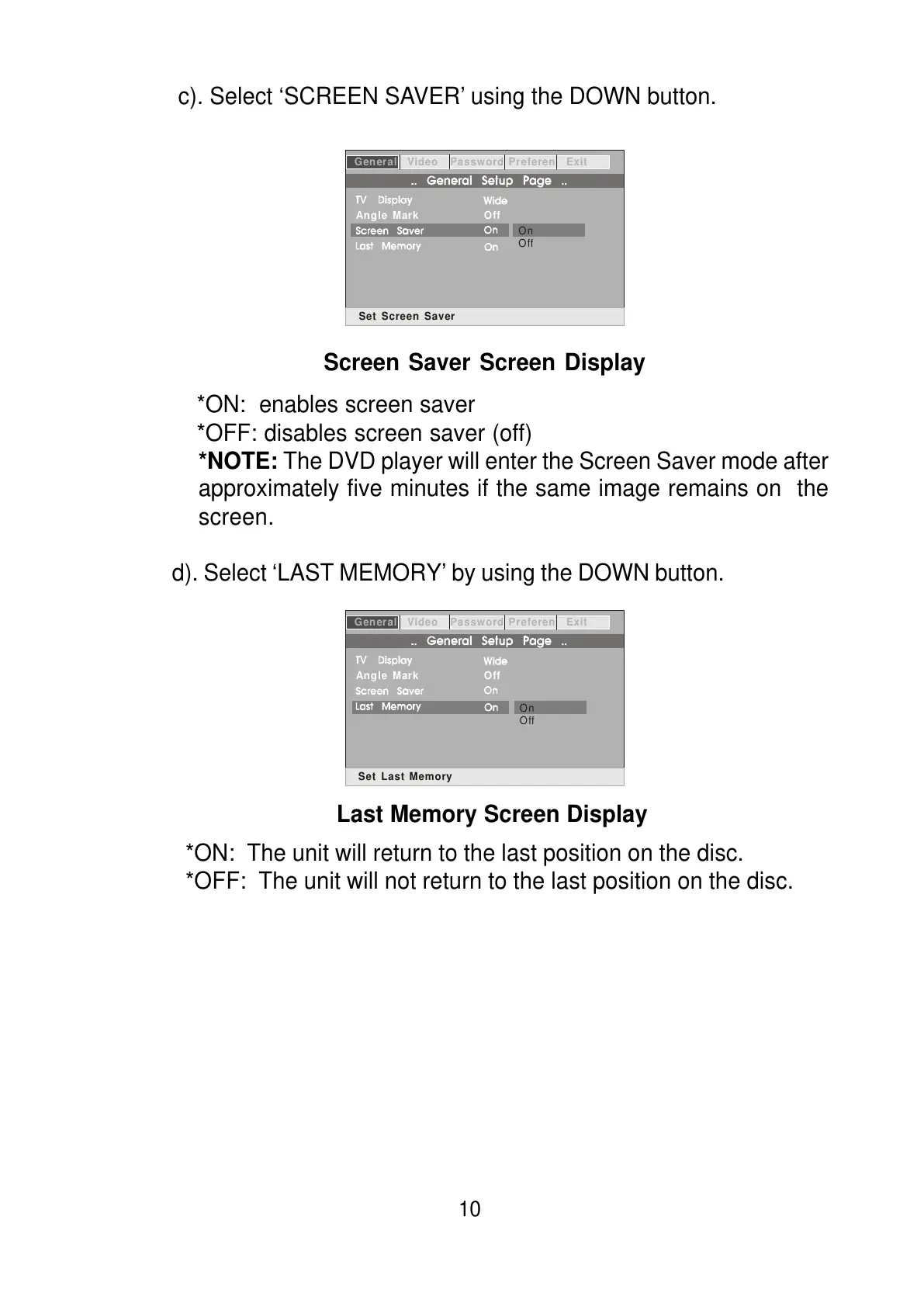
c). Select ‘SCREEN SAVER’ using the DOWN button.
*ON: enables screen saver
*OFF: disables screen saver (off)
*NOTE: The DVD player will enter the Screen Saver mode after
approximately five minutes if the same image remains on the
screen.
d). Select ‘LAST MEMORY’ by using the DOWN button.
*ON: The unit will return to the last position on the disc.
*OFF: The unit will not return to the last position on the disc.
General Video Password Preferen Exit
Angle Mark
Off
On
Off
Set Screen Saver
General Video Password Preferen Exit
Angle Mark
Off
On
Off
Set Last Memory
Screen Saver Screen Display
Last Memory Screen Display



 To Next Page