24
1. USING THE REPEAT FEATURE
The default mode for the Repeat feature is OFF. Pressing ‘1/ALL’
consecutively changes the repeat options:
• Repeat one- repeats the track that is playing.
• Repeat All- repeats the disc that is playing.
• Repeat Off
As you toggle through the options, the repeat option changes. The
selected repeat option loops repeatedly until you turn it off.
2. A-B REPEAT
a. During playback press ‘A-B’ to set the Starting Point A.
b. Press ‘A-B’ a second time to set the Ending Point B and the
player will repeatedly play the part between Point A and Point
B.
c. Press A-B a third time to cancel A-B repeat and resume
playback.
3. FORWARD/REVERSE SCAN
a. During playback press XX to scan foward at 2x, 4x, 8x,16x, 32x
and normal speed.
b. During playback press WW to scan foward at 2x, 4x, 8x,16x, 32x
and normal speed.
L. PLAYING MP3 DISCS
MP3 is a format for storing digital audio. An audio CD-quality song
is compressed into the MP3 format with very little loss of audio
quality while taking up much less disc space. CD-R /RW discs
that have been encoded in MP3 format are compatible with this
system.
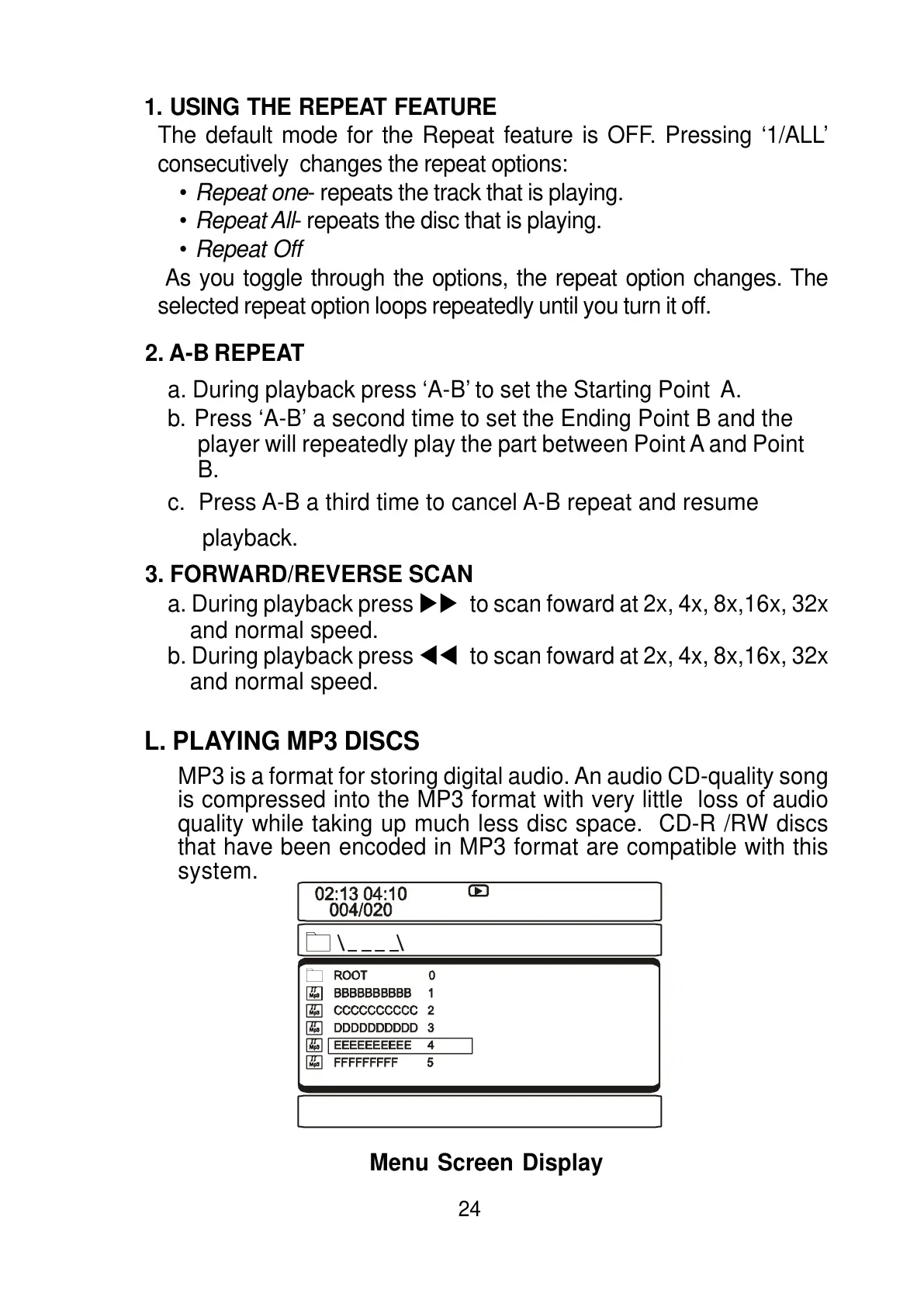
Menu Screen Display



 To Next Page