START VIRGINXTRAS VIRGINXTRAS
C
H
7
87
C
H
7
86
START VIRGINXTRAS
1
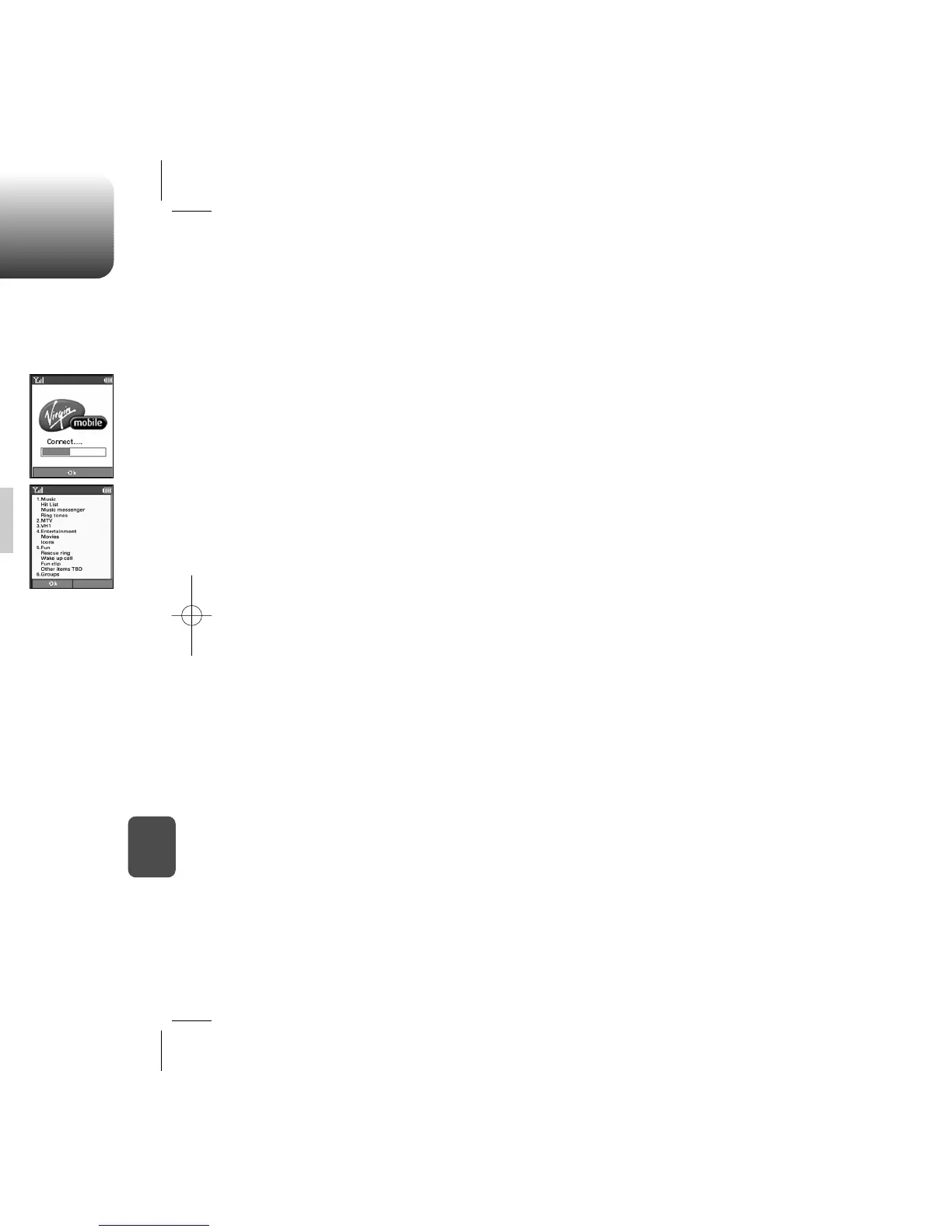
To access VirginXtras, press .
VirginXtras - are a fun collection of features which you can access
directly from your phone - music, movies, and more. Charges may
apply. Visit www.virginmobileusa.com for details.
2
Scroll down the page using the navigation
key .
3
To select one of the softkeys (options) at the
bottom of the display, press or .
4
To return to the previous page, press .
5
To exit VirginXtras, press .
ACCESSING VIRGINXTRAS
1
To start a VirginXtras session and
access these services,
press [MENU] .
You can access a variety of entertainment, music, and information
services.
When you select VirginXtras, a session is
initiated.
You cannot receive incoming calls when a
VirginXtras session is in progress.



 To Next Page