SETTINGS SETTINGS
C
H
4
57
C
H
4
56
Shortcut – Press and hold to activate/deactivate this
feature.
l
To adjust tone length:
To place the phone in Silencer Mode so all phone sounds are muted:
TONE LENGTH
1
Press [MENU] .
2
Select “Normal” or “Long” and press [OK]
to save it.
SILENCER MODE
1
Press [MENU] .
2
Select “On” or “Off” and press [OK]
to save it.
Allows you to customize the display.
To select a display menu style:
DISPLAY
MENU STYLE
WALLPAPER
1
Press [MENU] .
2
Select “Grid”, “Fold” or “List” and press [OK]
to save it.
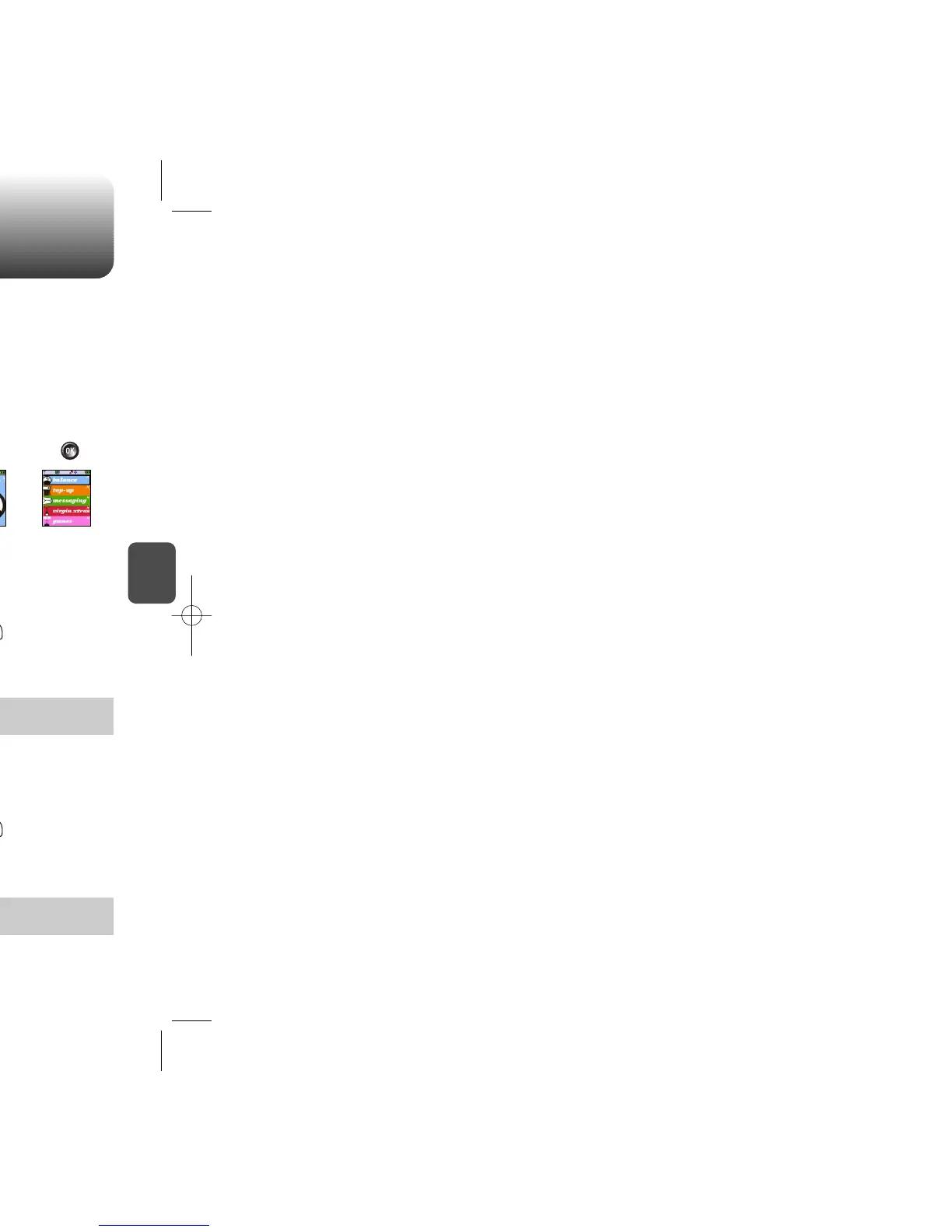
FoldGrid List
1
Press [MENU] .
To select an LCD display:
GRAPHICS
2
Select one of the Wallpapers with the Navigation
key.
3
Press [OK] to save it.
1
Press [MENU] .
SCREEN SAVER
2
Select “Time Setting” or “Screen Saver” with
the Navigation key.
3
Press [OK] to save it.
Time Setting: Off, 5 Secs, 10 Secs, 20 Secs, 30 Secs.
Screen Saver: Select an image. (Default image - Virgin)
l
l
Default image - Birdy, Hearts, Julie, Mobile, Mobilize, Pineapple,
Pinky, V
l



 To Next Page