C
H
4
57
C
H
4
56
DOWNLOADS
56
DOWNLOADS
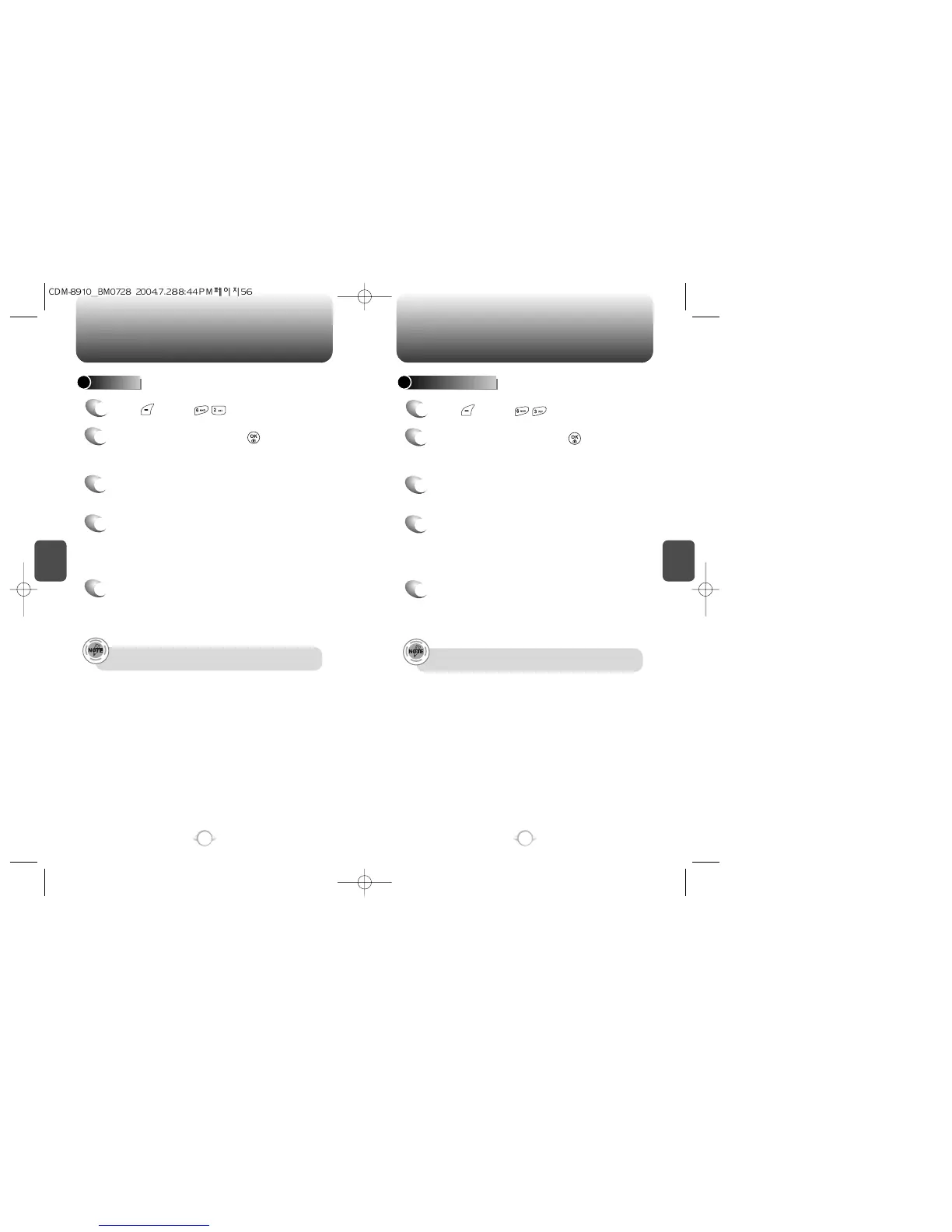
RINGERS
1
Press [MENU] .
2
Select “Get New” then press [OK].
The Mobile Browser will launch and take you to
the “Ringers” download menu.
5
A confirmation page will notify you that the ringer
has been purchased and is stored in the “My
Downloads” folder. To download the ringer,
select “Download”.
4
From the item information page, select “Buy”.
If you have not previously purchased an item,
you will be prompted to enter your account
password and create your purchasing profile.
3
Use the Navigation Key to select a ringer you
wish to download.
SCREEN SAVERS
1
Press [MENU] .
2
Select “Get New” then press [OK].
The Mobile Browser will launch and take you to
the “Screen Savers” download menu.
5
A confirmation page will notify you that the
Screen Savers has been purchased and is stored
in the “My Downloads” folder. To download the
Screen Savers, select “Download”.
4
From the item information page, select “Buy”.
If you have not previously purchased an item,
you will be prompted to enter your account
password and create your purchasing profile.
3
Use the Navigation Key to select the Screen
Savers you wish to download.
Refer to page 115 for “Browser” as “Mobile Browser”.
Refer to page 115 for “Browser” as “Mobile Browser”.



 To Next Page