MOBILE BROWSER
This chapter addresses Internet services and Mobile Browser.
For more detailed information contact your service provider.
START MOBILE BROWSING
MOBILE BROWSER MENU
Chapter 7
C
H
7
115
C
H
6
114
SETTINGS
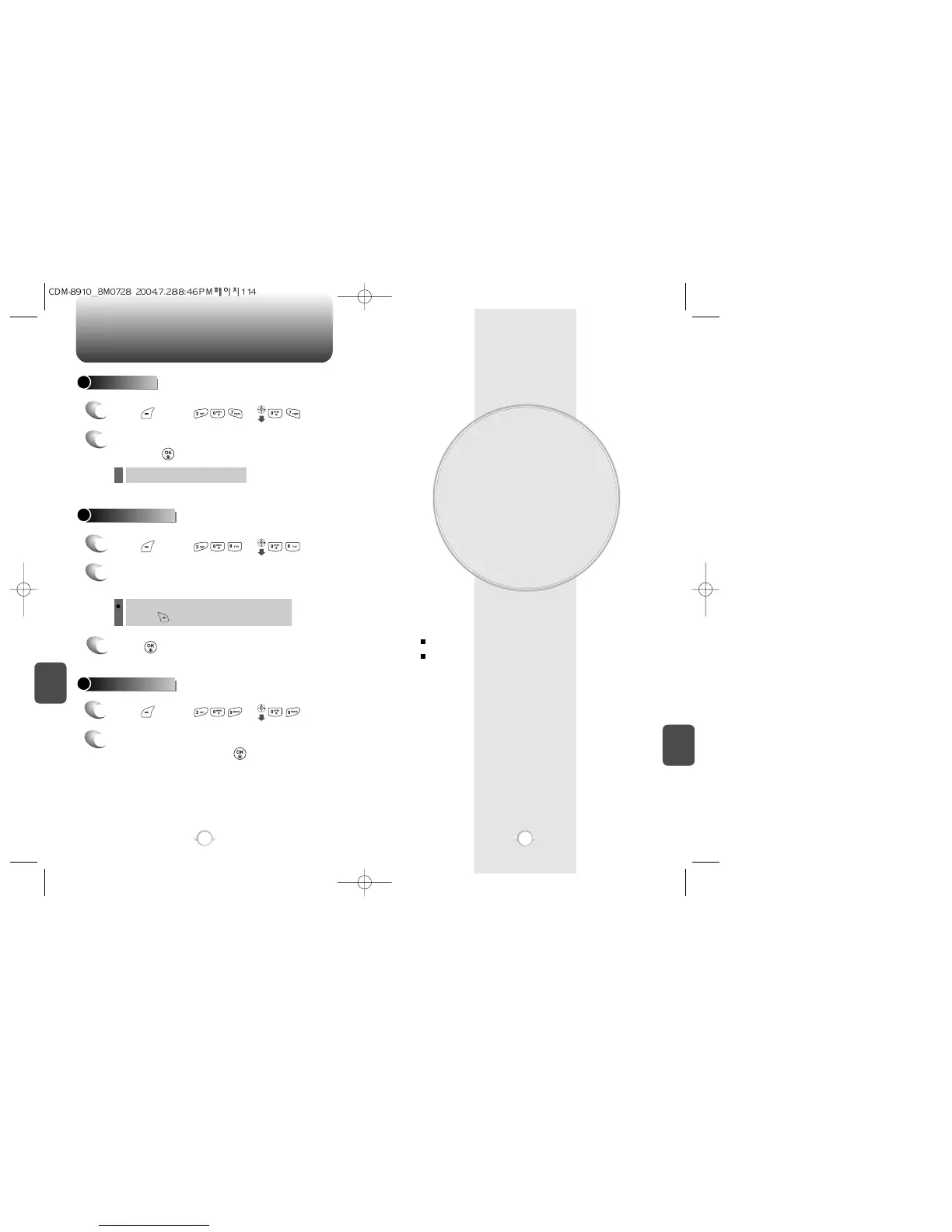
RETRY TIME
1
2
Press [MENU] or .
Select on of the following with the Navigation Key
and press [OK].
3 mins / 5 mins / 10 mins / 30 mins.
l
EDIT VOICE CB#
1
2
Input a new voice call back number or edit
voice call back number.
3
Press [OK].
Press [MENU] or .
You can look it up from the phone book by
pressing [FIND].
PUSH SETTINGS
Press [MENU] or .
Select one from “Yes” or “No” with the
Navigation Key and press [OK].
1
2



 To Next Page