INBOX OUTBOX
C
H
6
105
C
H
6
104
CHECKING SENT TEXT MESSAGES
1
Press [MENU] or .
RESEND
1
To resend a text message, select “Resend”.
Manages sent text messages or messages waiting to be sent.
SAVE TO SAVED
1
To save the text message in your cellular
telephone, select “Save to Saved”.
SAVE TO QUICK TEXT
LOCK & UNLOCK
1
To lock or unlock the text message, select
“Lock & Unlock”.
2
Select “Lock” to lock the message or “Unlock”
to unlock the message, then press [OK].
1
To save received text msg to “Quick text”,
select “Save to Quick text”.
SAVE TO CONTACT
1
To save number to contact, select “Save to
Contact”.
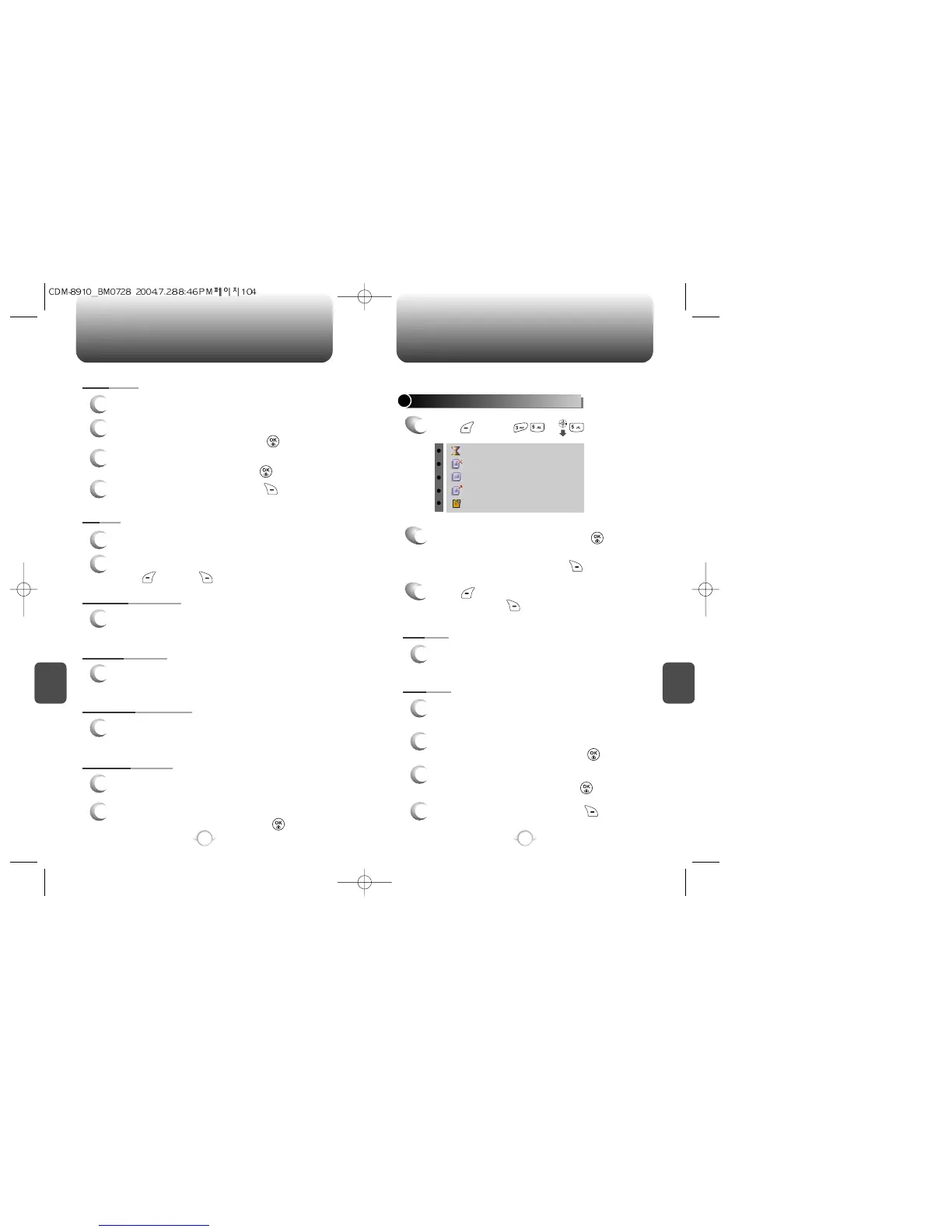
: Auto resend
: Fail
: Not send
: Sent
: Canceled
2
2.1. Select a message, then press .
The text message is displayed.
Press [OPTIONS]. To resend to the text
message, press [SEND TO].
3
2.2. To erase message, press [ERASE].
SEND TO
1
To forward the text message, select “Send to”.
2
Input the phone number of the person you are
sending the message, then press .
3
Input any text message to go along with the
forwarded message, then press .
4
To send the text message, press [SEND].
ERASE
1
To erase this message, select “Erase”.
2
“Erase This Message?” will be displayed.
Press [YES] or [NO].
FORWARD
1
To forward the text message, select “Forward”.
2
Input the phone number of the person you are
sending the message, then press .
3
Input any text message to go along with the
forwarded message, then press .
4
To send the text message, press [SEND].



 To Next Page