EasyManua.ls Logo

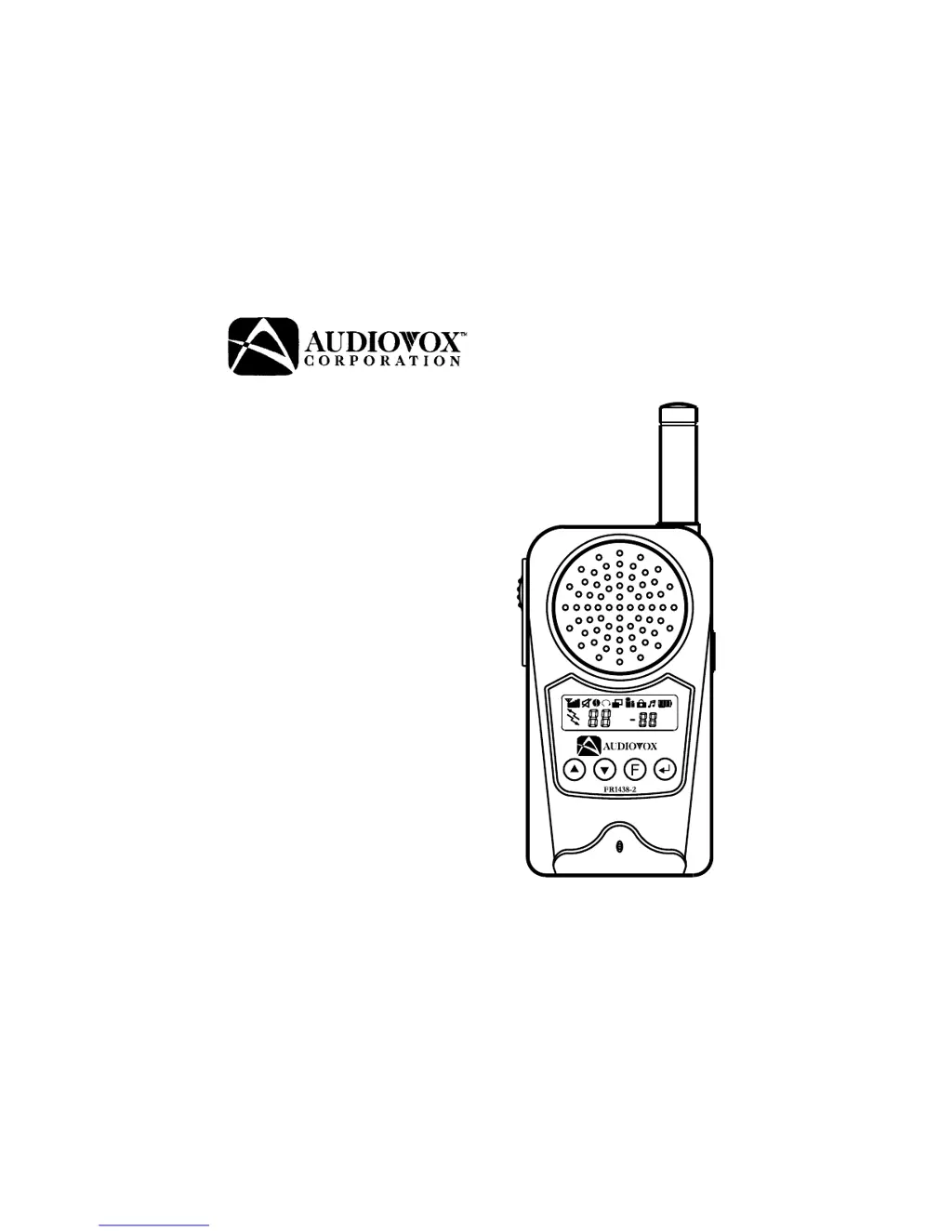
Audiovox FR-1438-2 - User Manual

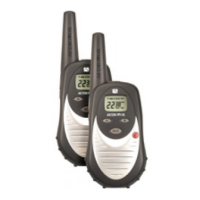
Audiovox FR-1438-2
32 pages
Print Icon
To Next Page IconTo Next Page
Loading...
Model FR-1438-2
Modèle FR-1438-2
Owner’s Manual
Manuel d'utilisation

Questions and Answers

  • A
    Adrienne TateAug 1, 2025
    Why am I getting unwanted signals on my Audiovox FR-1438-2 Two-Way Radio?
    • C
      Christopher TranAug 1, 2025
      You might be receiving unwanted signals on your Audiovox Two-Way Radio because the CTCSS privacy mode is not activated. To resolve this, turn on the CTCSS privacy mode and set the code number to match the setting of the target transceiver. Another potential cause is interference from electronic devices like computers or TVs. Try turning off these devices or moving farther away from them.
  • F
    Felicia TylerAug 8, 2025
    What to do if my Audiovox Two-Way Radio has weak or no signal?
    • C
      Christopher CarrollAug 8, 2025
      If your Audiovox Two-Way Radio is experiencing a weak or nonexistent signal, several factors could be responsible. First, ensure that the batteries are adequately charged; if they are weak, charge or replace them. Second, verify that the channel and privacy code settings match those of the target transceiver, adjusting them if necessary. Also, check the volume level and increase it if it's too low. Make sure the PTT button is not inadvertently depressed. If there is excessive radio interference on the current channel, try switching to a different one. Finally, obstructions can interfere with the radio signal, so avoid operating in or near large buildings or vehicles.
  • R
    Richard VasquezAug 15, 2025
    How to fix Audiovox FR-1438-2 not transmitting when pressing PTT button?
    • J
      Jerry ManningAug 15, 2025
      If your Audiovox Two-Way Radio isn't transmitting when you press the PTT button, it could be due to weak batteries. Try charging or replacing the batteries. Also, ensure the batteries are installed correctly, following the directions indicated in the battery tray to ensure correct polarity.
  • J
    Jennifer StephensAug 23, 2025
    What to do if Audiovox Two-Way Radio beeps but won't turn on?
    • A
      Anthony KempAug 23, 2025
      If your Audiovox Two-Way Radio beeps but doesn't turn on when you press the power button, the batteries may be extremely discharged. Try charging or replacing the batteries.

Summary

Device Components

User Interface Elements

Buttons, microphone, speaker, and display of the transceiver.

Operating Modes

Channel Select Mode (CH)

Allows selection of main communication channels (1-14).

VOX and Key Lock Modes

Voice activation and accidental button press prevention.

Battery and Belt Clip Installation

Battery Compartment Access

Steps to open the battery cover and insert batteries.

Charging and Controls

Charging Procedure

How to use the charging stand and transformer.

Control Button Functions

Details on Power On/Off and Enter button operations.

Key Operation Details

Push To Talk (PTT) Button Functionality

How to transmit, receive, and use the call ringer.

Volume Control (Up;Down Buttons)

Adjusting audio volume and navigating menus.

Advanced Functions and Features

Function and Monitor Button Operations

Using Function and Monitor buttons for modes and checks.

Scanning Modes

Important Warnings and Frequencies

General Safety and Usage Warnings

Precautions regarding battery use, environment, and modifications.

Troubleshooting Guide

Transmission and Signal Issues

Common causes and solutions for transmission and reception problems.

Audiovox FR-1438-2 Specifications

General IconGeneral
BrandAudiovox
ModelFR-1438-2
CategoryTwo-Way Radio
LanguageEnglish

Related product manuals