EasyManua.ls Logo

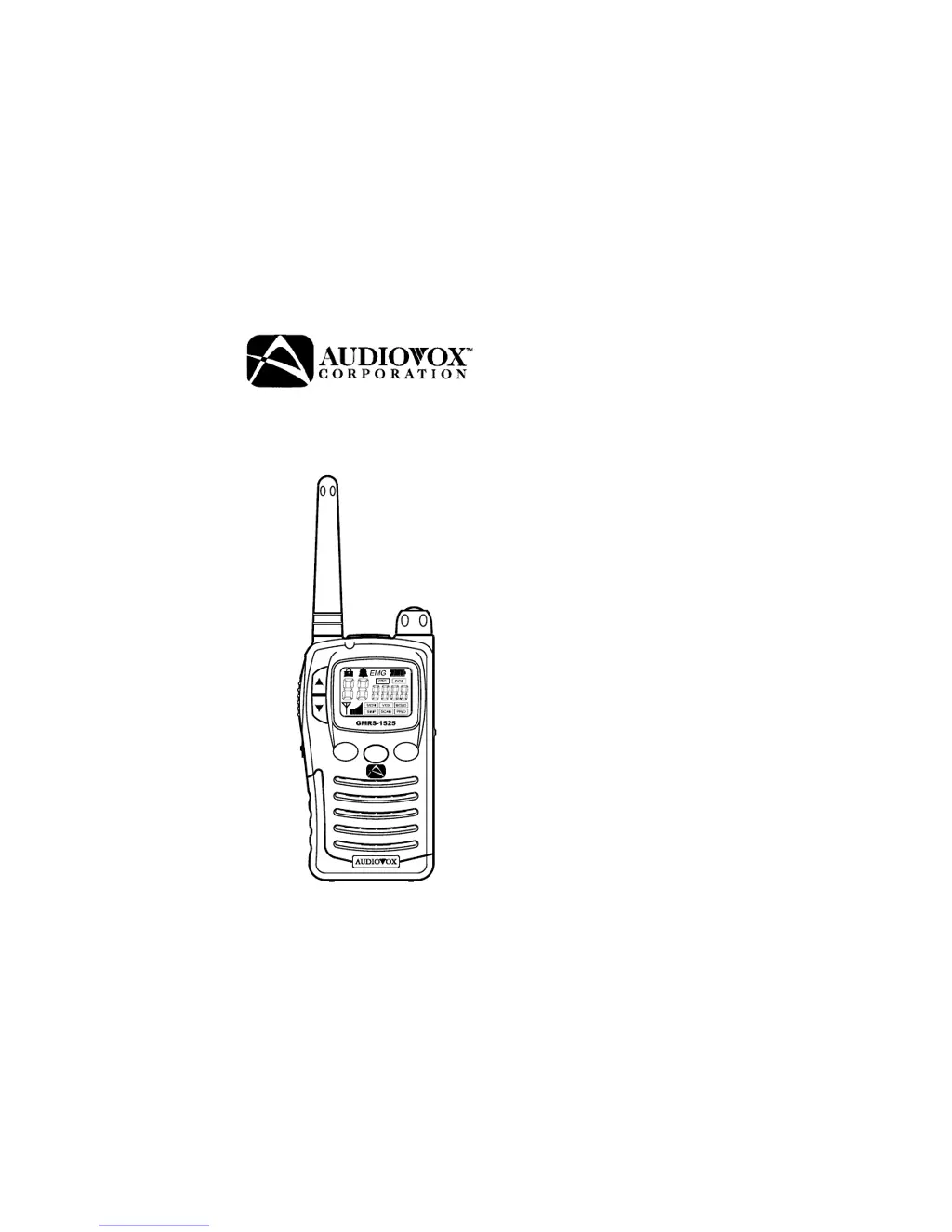
Audiovox GMRS-1525 - User Manual

Audiovox GMRS-1525
24 pages
Print Icon
To Next Page IconTo Next Page
Loading...
General Mobile Radio Service (GMRS)
Model/Modèle : GMRS-1525
Owner’s Manual
Manuel d'utilisation
SCANSCAN
EMGEMG
MODEMODE
Customer Service/
Service à la clientèle
1-800-290-6650

Questions and Answers

  • M
    Mathew FuentesJul 30, 2025
    Why is my Audiovox Two-Way Radio receiving unwanted signals?
    • J
      John HaleJul 30, 2025
      Your Audiovox Two-Way Radio might be picking up unwanted signals because the CTCSS privacy mode is not activated. To resolve this, turn on the CTCSS privacy mode and set the code number to match the setting of the target transceiver. Another cause might be interference from electronic devices like computers or TVs. Try turning those devices off or moving farther away from them.
  • S
    Stephanie SmithAug 4, 2025
    Why is my Audiovox GMRS-1525 not receiving a signal?
    • D
      Debra ParkerAug 4, 2025
      If you're experiencing a weak or no signal on your Audiovox Two-Way Radio, several factors could be at play. First, check your batteries and charge or replace them if they are weak. Ensure that the channel and privacy code are set the same as the target transceiver. Also, make sure the volume isn't too low and that the PTT button isn't inadvertently depressed. Increase the volume level and release the PTT Button. Finally, there may be excessive radio interference, or the radio signal may be obstructed. Change to a different channel and avoid operating in or near large buildings or vehicles.
  • C
    Carrie LoganAug 9, 2025
    What to do if my Audiovox GMRS-1525 won't transmit when pressing the PTT button?
    • I
      Isabel Ford DDSAug 9, 2025
      If your Audiovox Two-Way Radio isn't transmitting when you press the PTT button, it could be due to weak batteries. Try charging or replacing the batteries. Also, check that the batteries are installed with the correct polarity as described in the manual.
  • D
    Dustin BrownAug 14, 2025
    What to do if my Audiovox GMRS-1525 Two-Way Radio displays 'ScErr' when scanning?
    • J
      James Garcia DDSAug 14, 2025
      The 'ScErr' message on your Audiovox Two-Way Radio when scanning indicates that there are no channels selected on the scan list. To fix this, select two or more channels to add to the scan list.
  • M
    Mrs. Michelle ChapmanAug 18, 2025
    Why does my Audiovox GMRS-1525 beep but not function when turned on?
    • D
      dbondAug 18, 2025
      If your Audiovox Two-Way Radio beeps when turned on but doesn't function, the batteries may be extremely discharged. Charge or replace the batteries to resolve this issue.
  • R
    Robin BrownAug 25, 2025
    What does 'PrErr' mean on my Audiovox GMRS-1525 Two-Way Radio?
    • A
      April BrownAug 25, 2025
      The 'PrErr' message on your Audiovox Two-Way Radio when accessing priority channel selection mode means that no channels are selected on the scan list. To resolve this, you need to select two or more channels for the scan list.

Summary

Safety and Handling Precautions

Battery and Environmental Cautions

Warnings on battery types, charging, and extreme temperature exposure.

Getting Started and Licensing

Powering the Transceiver

Instructions on how to power the transceiver and install batteries.

Battery Installation

Battery Installation Steps and Guidelines

Provides visual steps for installing batteries and best practices for their use.

Charging the Transceiver

Charging Procedure and Indicator

Instructions on how to charge the GMRS-1525 and understand the charge indicator.

Radio Controls Part 1

Power On-Off;Volume Control

Explains how to turn the unit on/off and adjust the volume.

Monitor;Lamp Button Functionality

Describes how to use the Monitor/Lamp button for checking activity and backlight.

Push-To-Talk (PTT) Button Usage

Details how to transmit and receive using the PTT button.

Radio Controls Part 2

Up, Down, and Mode Button Operations

Explains the function of Up, Down, and Mode buttons for channel and mode selection.

Emergency Call Button Function

Details how to activate the emergency channel feature.

Operating Modes and Features Part 1

Basic Operation and Channel Selection

Covers turning the unit on, selecting channels, and basic transmit/receive procedures.

Channel and CTCSS Operations

CTCSS Sub-Channel Selection

Details how to select CTCSS sub-channels for private communication.

Display and VOX Modes

Scanning Features and VOX Settings

Advanced Settings

Priority Scan and Auto Key Lock

Special Modes and Functions

Troubleshooting and Support

Troubleshooting Common Problems

Provides a guide to diagnose and fix common problems with the transceiver.

Troubleshooting Common Issues

Troubleshooting Signal and Unit Issues

Continues troubleshooting common problems with signals and unit functions.

Technical Specifications

Communication Tips and Safety

Audiovox GMRS-1525 Specifications

General IconGeneral
Power Output2 Watts
Weather AlertsYes
Channels22 Channels
Privacy Codes38
Power SourceBatteries

Related product manuals