-4-
English
-3-
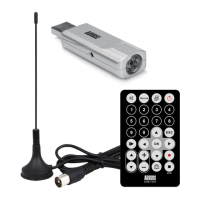
1.4 Package Contents
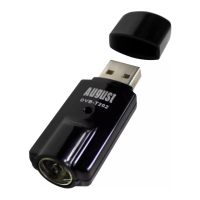
USB Freeview TV Receiver
Portable Antenna with Magnetic Base
Remote Control
Software CD
User Manual
2. Hardware Connections
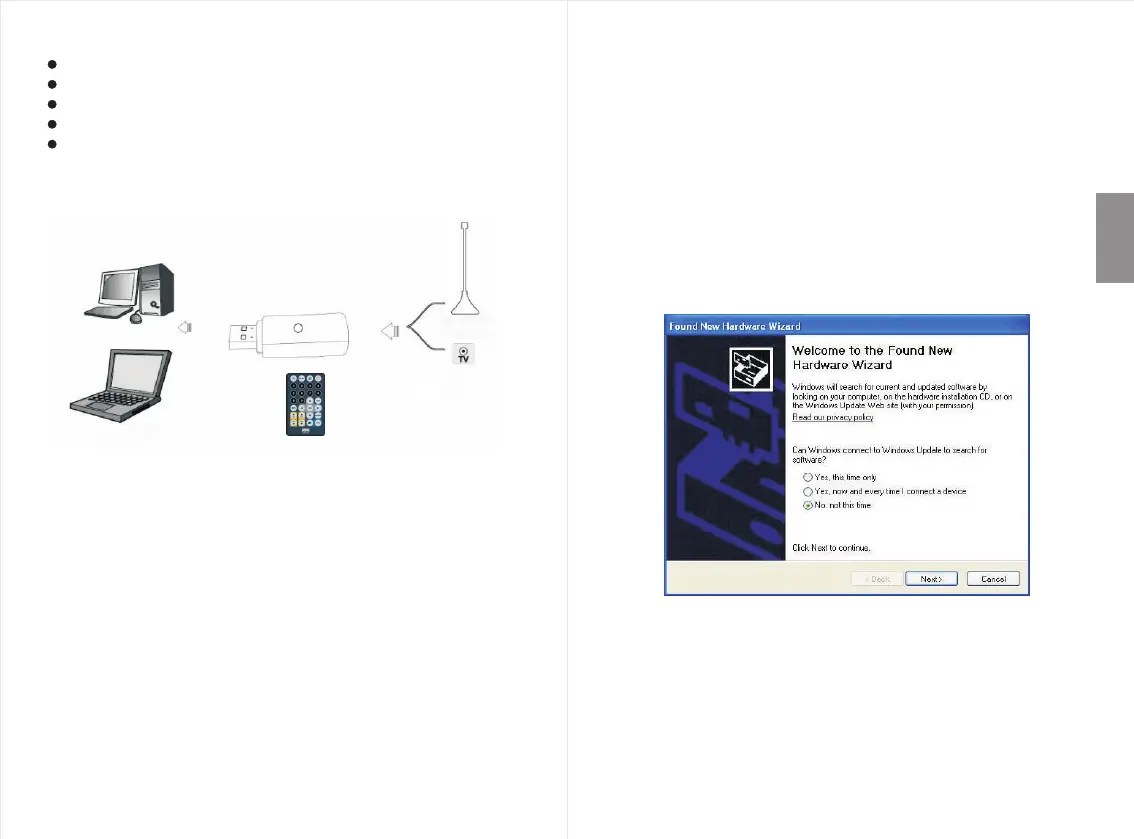
TV Receiver
Antenna
PC
Laptop
IR
Step 1: Plug the USB Freeview TV Receiver to the USB
port of your laptop or PC.
Step 2: Connect the TV Receiver to your roof top aerial
or the portable antenna supplied.
Wall
(Recommended)
3. How to install Driver and Software
Step 1: Insert the device into your computer’s USB port
and connect it to your rooftop aerial as shown in
“Hardware Connections” on page 3.
- Windows XP & Vista users
For Windows XP and Vista users, the “Found New Hardware
Wizard” will now appear on your screen, please select
“Cancel”.
3.1 Driver Installation


 To Next Page