-6-
English
-5-
Step 3: Click “Next” to continue the installation.
Step 4: Click “Update”.
Step 2: Insert the software CD supplied, an auto-play window
should appear on your screen. Click “Driver Install”
if the screen appears, if not then run the file Driver\
setup.exe directly from the software CD.
Step 5: Click “Finish” to completely install the Driver Software.
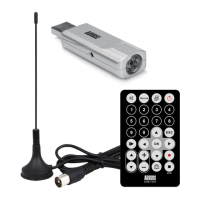
* Note: The supplied remote control is designed to work
with Total Media, and will not work with Windows Media
Centre.


 To Next Page