DVB-T405
Freeview TV WiFi Transmitter
EN
FR
DE
IT
ES
Trasmettitore WiFi per TDT
Transmisor TV TDT WiFi
DVB-T WiFI Transmitter
Transmetteur Wifi TNT
-3-
5. Installation and Connection
2. Main Features
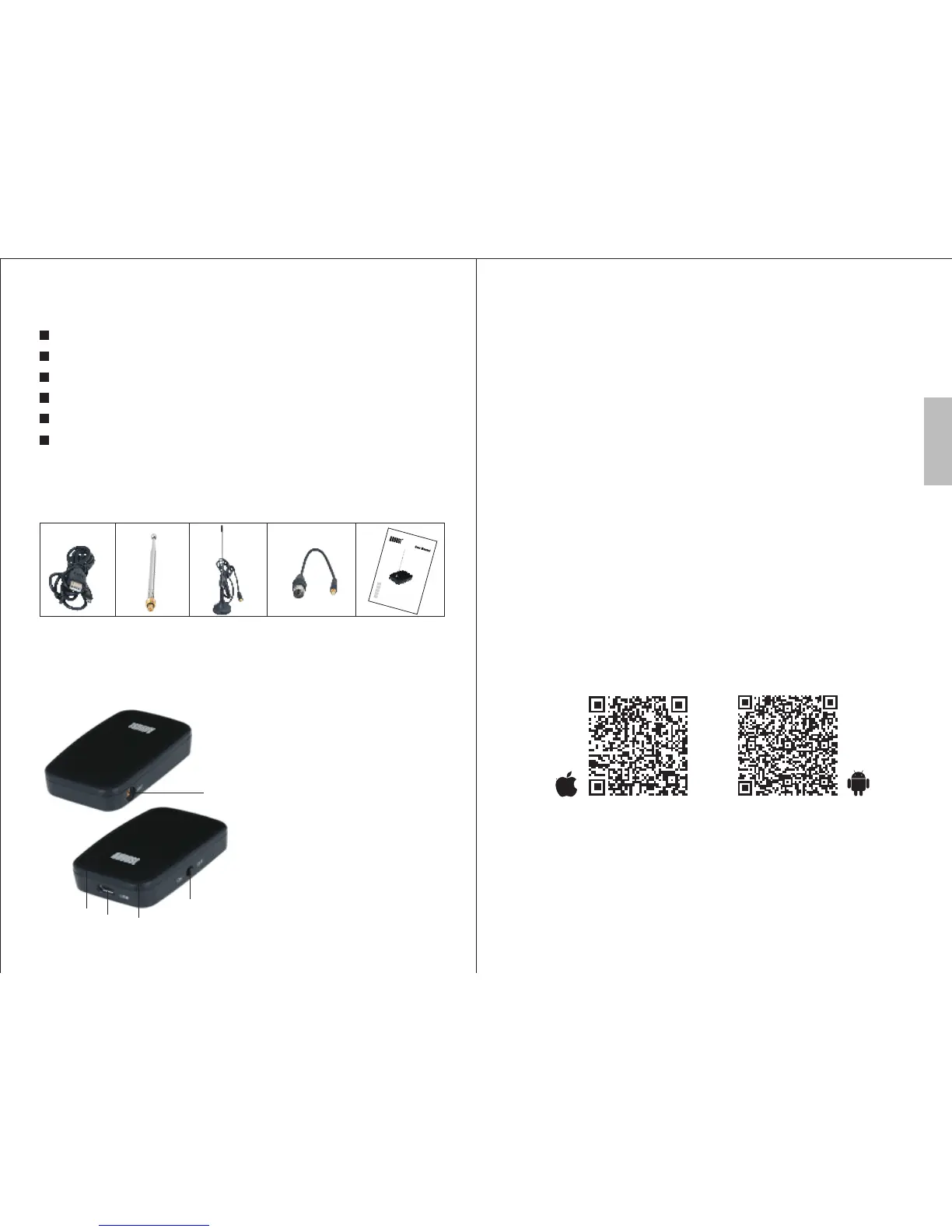
3. Accessories
Power Cable Telescopic Antenna Antenna Adaptor User ManualPortable Antenna
4. Part names and Functions
1.Antenna Socket
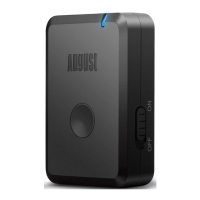
2.Power LED
3.Power Socket
4.Charging LED
5.Power Switch
-2-
Live Digital TV on your Apple and Android devices
Transmits live TV wirelessly to your device
Compact and lightweight design
Portable for optimum reception
Rechargeable battery
Operating range: up to 10m
Please fully charge the DVB-T405 before first use. To
charge, use the power cable to connect the DVB-T405 to a
powered USB port. Whilst charging, the Charging LED
lights red and turns off once fully charged.
PLEASE NOTE: The TV signal strength in some areas may
not be sufficient to support TV reception using a portable
antenna. The distance from the closest transmitter and other
factors such as surrounding buildings, the walls of your
house, weather and electromagnetic interference caused by
power and telecommunication infrastructure may affect
signal strength. Changing location may improve signal
reception and a rooftop antenna designed for digital TV can
be used to achieve the best possible reception.
Open the Play Store or App Store on your smartphone or
tablet, or scan the QR code below then download the
“Siano TV” App.
Connect the DVB-T405 to an antenna. It is suggested that
you use a rooftop antenna when searching for TV
channels for the first time.
Switch on the DVB-T405, the power indicator LED will
flash and then stay lit.
Connect your Smartphone or Tablet to the "Meron" WiFi
Network, the default password is “Meron”. If you are
unfamiliar with the WiFi feature of your Smartphone or
Tablet, refer to its user manual for detailed instructions.
Open the Siano TV App on your Smartphone or Tablet
Open Settings - Scan Channels. Choose the country
where you are located and tap Scan.
Once the scan is complete tap “Done” then tap “Live
TV”. The list of found channels will be displayed. Tap a
channel to start watching Live TV.
1
2
3
4
5
English
1.
2.
3.
4.
5.
6.
7.



 To Next Page