6.2 Recordings
Select “Recordings” from the main menu to access your saved
recordings. Tap a recording to display the file information and
access the play and delete options.
6.3 Settings
6.3.1 Scan Channels
Scan Channels allows you to rescan for TV channels.
1. Choose the country where you are located and tap Scan.
2. When the scan is complete tap “Done”. The list of found
channels will be displayed. Tap a channel to start watching
Live TV.
6.3.2 Sort Channels
To sort your Channel list, and change the position of a channel,
use < > to slide a channel to a new position.
6.3.3 Meron Settings
Sleep Timer
To set the DVB-T405 to automatically stop transmitting after a
period of inactivity, the sleep timer can be used. Select between 5
/ 10 / 30 minutes to start a sleep timer and the DVB-T405 will
enter sleep mode once the selected time has elapsed. Whilst set to
never, the DVB-T405 will continue to transmit until manually
switched off.
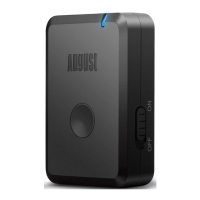
In sleep mode, the DVB-T405 Power LED will flash blue every
4 seconds, to reconnect turn the DVB-T405 off then on.
Battery
The battery icon shows the battery status of the DVB-T405. It
turns red when battery charge is low and the device should be
recharged.
Meron Info
Meron Info shows the DVB-T405 version, tuner type, IP address
and the option to Reset to Factory Defaults. When selecting
Reset to Factory Defaults a confirmation window will appear.
Tap “Reset” to reset the device. Note that when reset to factory
default, the DVB-T405 will lose all custom settings.
English
-6- -7-
7. Charging the device
8. Specifications
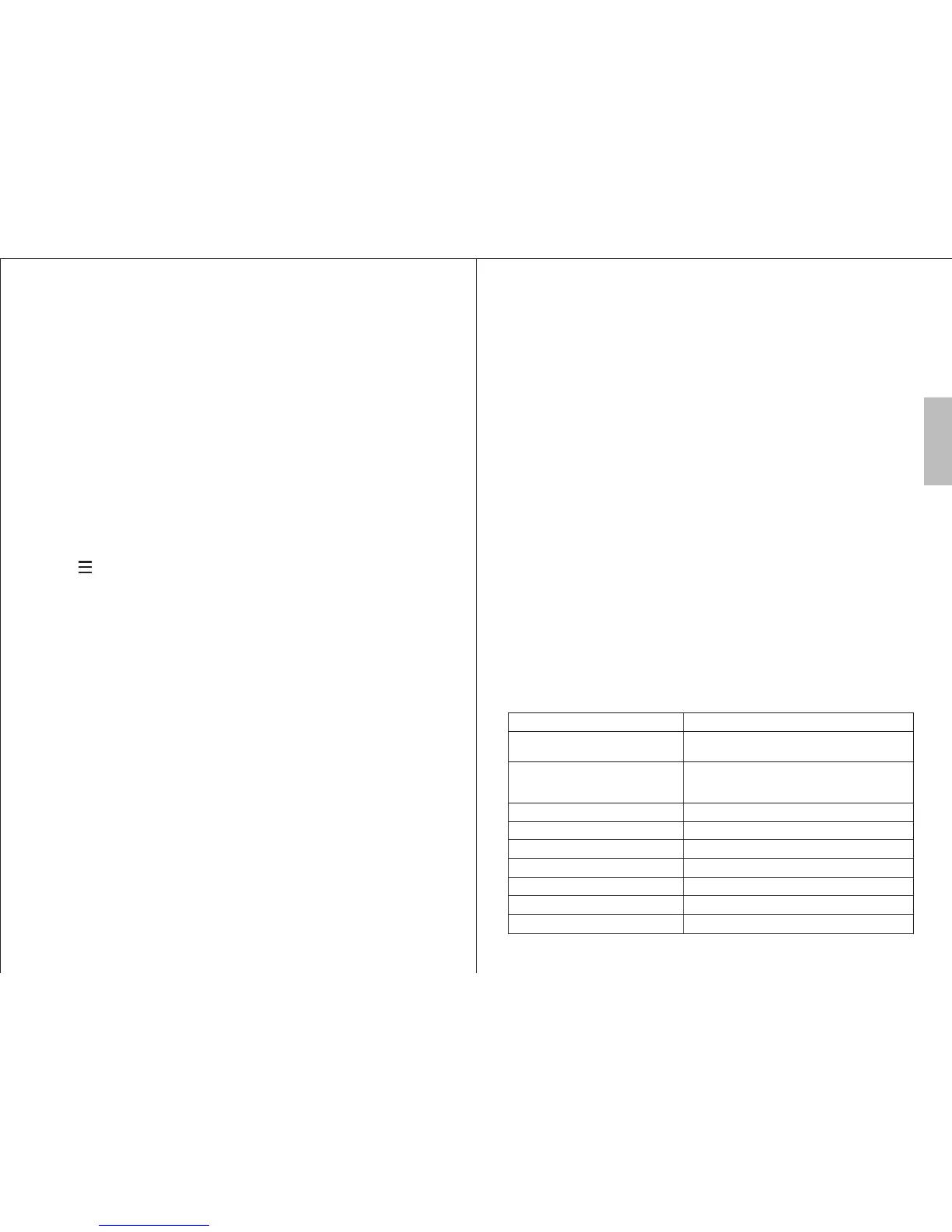
Receiver DVB-T, ISDB-T
Receive frequency
Supported Smartphone and
Tablet Operating Systems
Supported WiFi protocol
Operating Range
Viewing Time
Charging Time
48.25 to 863.25 MH DVB-T
64 to 863MHz ISDB-T
z
iOS 5.0 or higher
Mac OS
Android 4.0 or higher
IEEE 802.11 b/g/n
10m
3 hours
2 hours
Battery 600mAh, Lithium battery
Dimensions 68 x 42 x 18mm
Net Weight 45 g
To charge, use the power cable provided to connect the DVB-
T405 to a powered USB port. Whilst charging, the Charging
LED lights red and turns off once fully charged.
6.3.4 Select Device
If more than one DVB-T405 is in range, use this option to select
the DVB-T405 that you wish to use.
6.3.5 Timeshift Buffer
Timeshift buffer allows you to select how much time is available
when using Timeshift. If your device is low on available memory
then use a smaller value for Timeshift.
Dragging the slider to the left side disables Timeshift and
recordings.
The amount of time available to Timeshift is dependent on the
internal storage of your Smartphone or Tablet.
6.3.6 About
The “about” section shows information about the app and
your device.



 To Next Page