Enter Pairing
Mode
Have the MR280 Enter Pairing
Mode
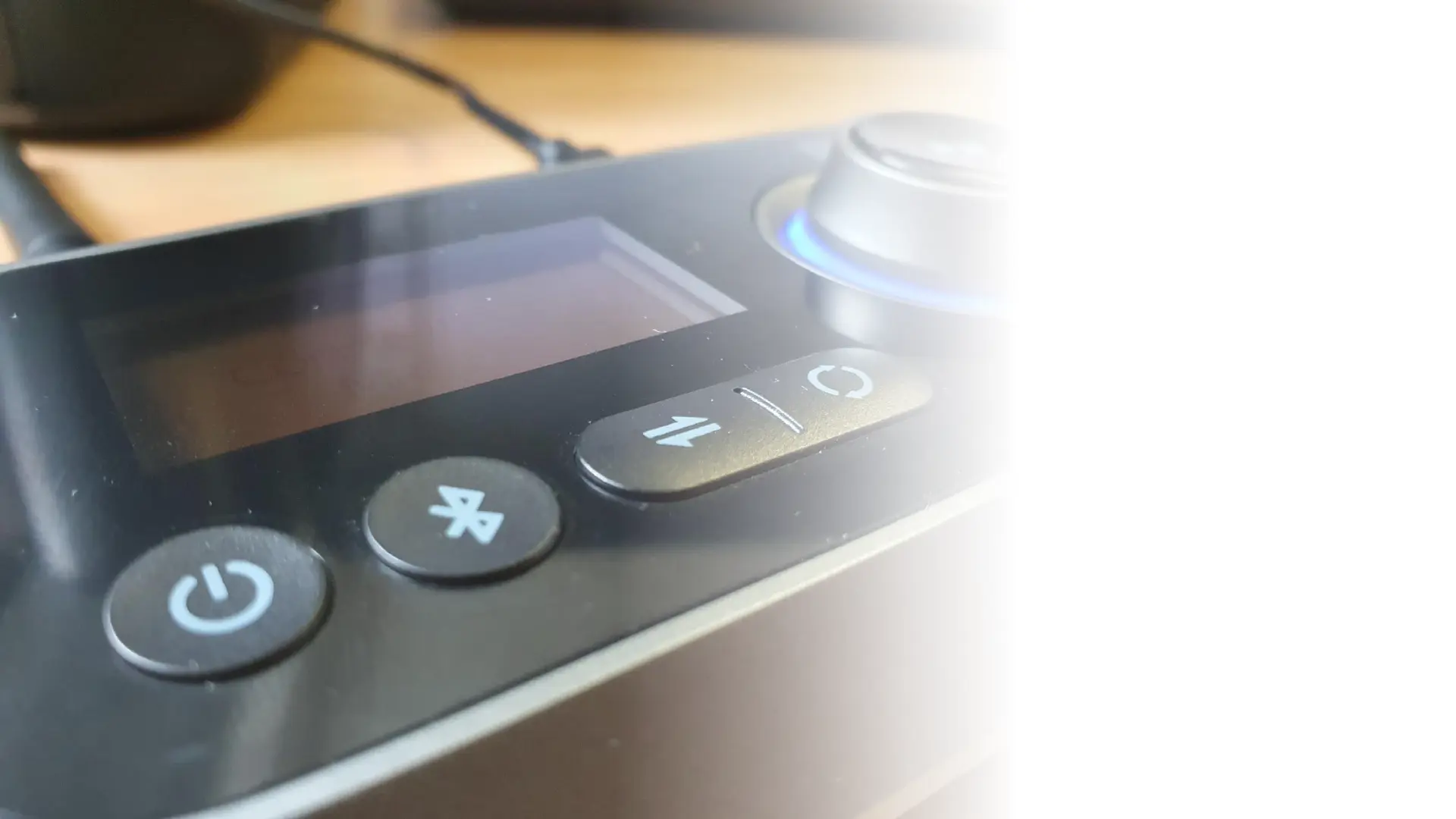
- Ensure the Device is plugged in
and powered on
- Press the mode switch button
and wait a moment for the
mode to change. The Screen will
display the current mode and
status
- To re-pair and multipoint on the
same mode, use the Bluetooth
symbol button


 To Next Page