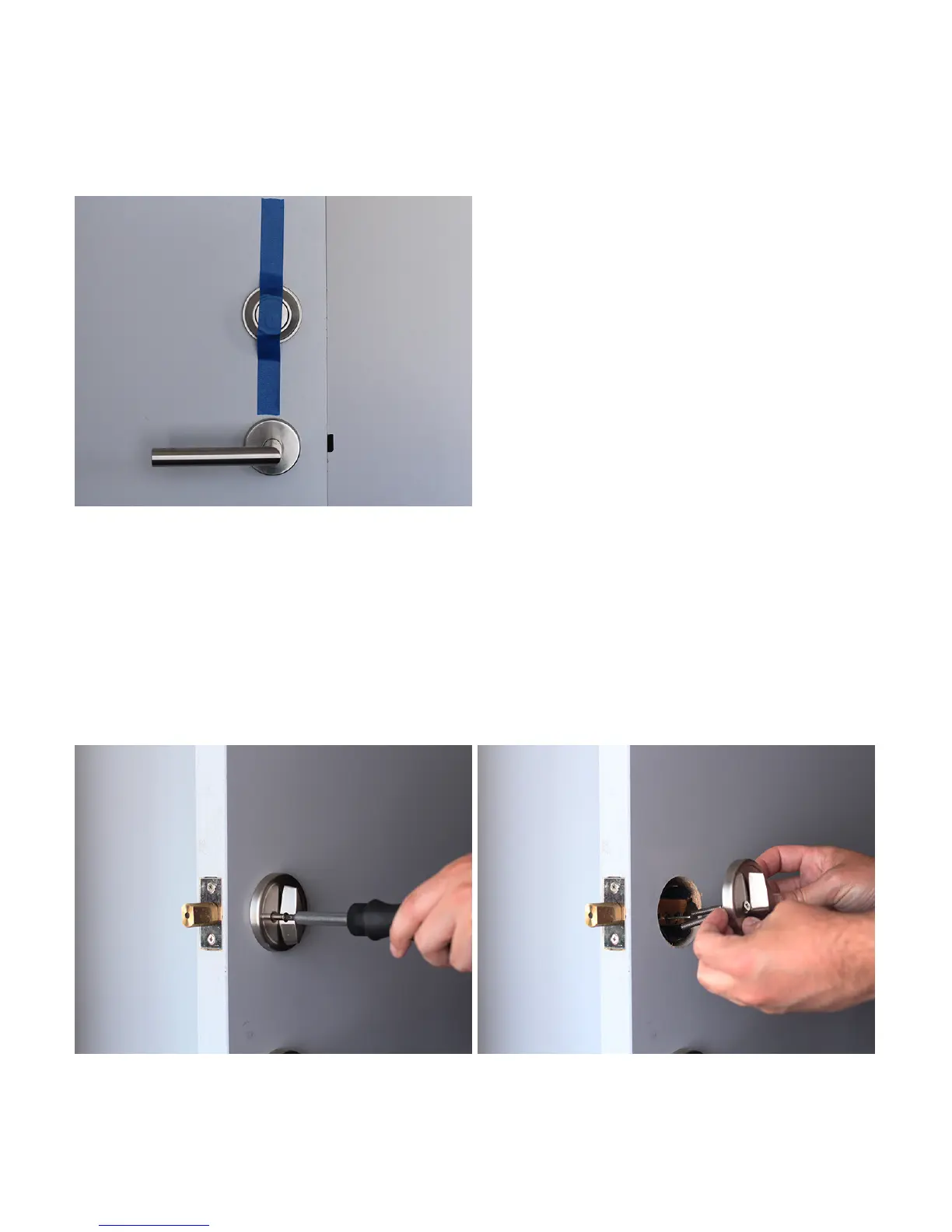
1. Prepare your existing deadbolt
Use the supplied adhesive strip to hold the keyed side of the lock in place.
2. Remove your existing thumbturn
Unscrew and remove the screws from your existing deadbolt thumbturn. If there is
an additional back plate, remove that as well. Be sure to unlock your deadbolt
before removing the thumbturn entirely.
2



 To Next Page