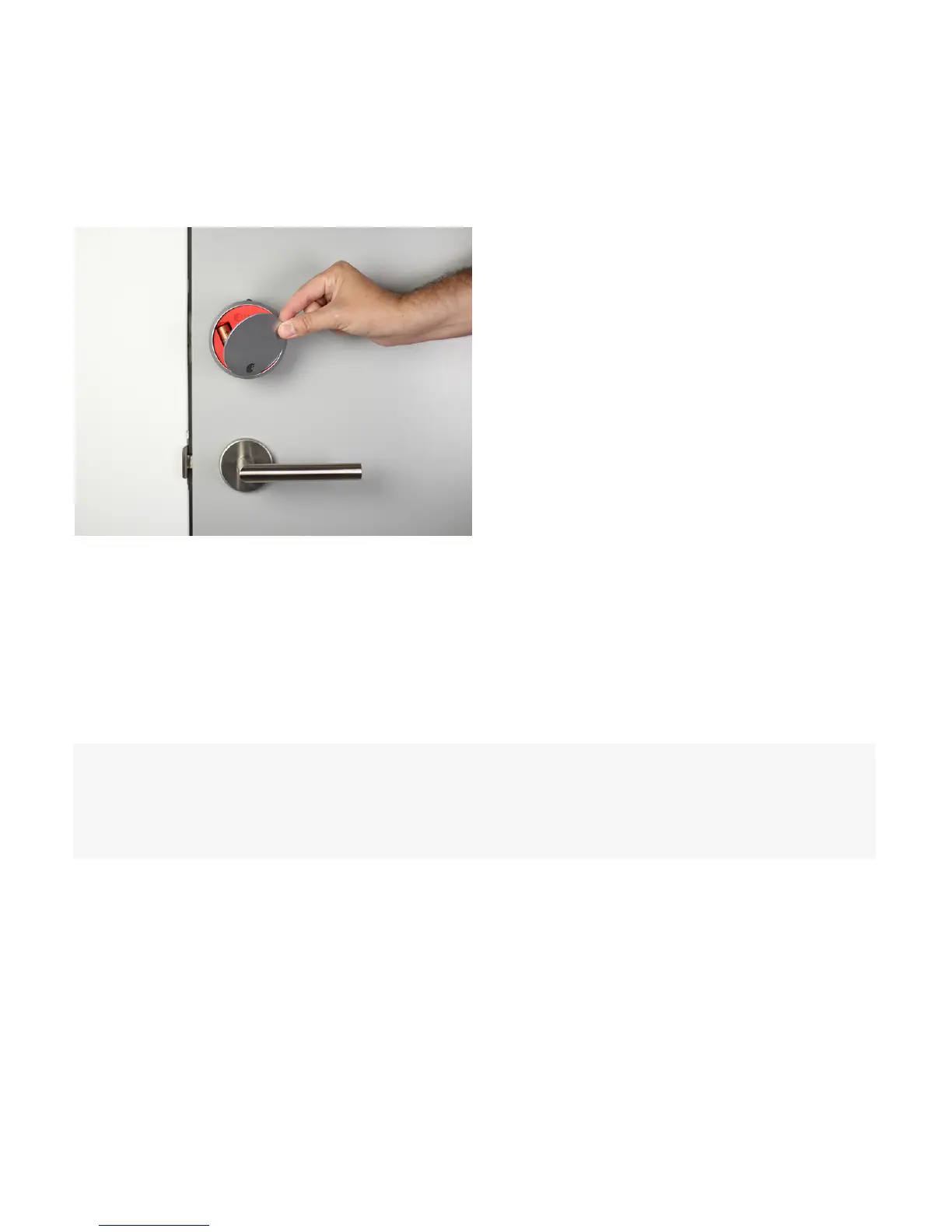
11. Replace the faceplate
12. Install DoorSense™
Place the faceplate back onto the August Smart Lock Pro, with the August logo at
the bottom.
DoorSense™ enables your lock to know when the door is open and closed. For
instructions on installing DoorSense™, please visit the link below:
http://support.august.com/customer/portal/articles/2875699
7


 To Next Page