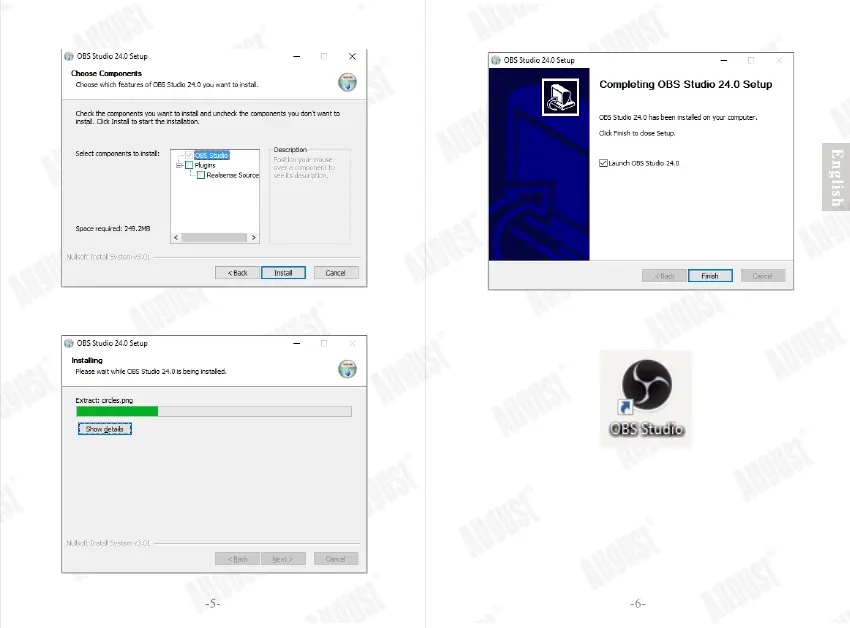
Step 5: Click “Install” to install the software.
Step 6: Please wait whilst OBS installs.
Step 7: Click “Finish” to complete the installation.
Step 8: The OBS icon will now be on your desktop.
4. OBS
Note:If you need further information, please
visit the Help section on OBS’ website.
4.1 Setting
To use the VGB300 in OBS, please follow steps below
Step 1: Click on ‘+’ under the ‘Sources’ section.


 To Next Page