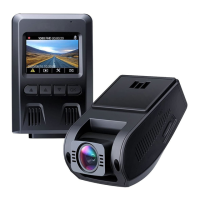
Status Meaning
Solid Green On; not recording
Flashing Green On; recording
Off Off
Control Buttons
Button Recording Mode Playlist & Setup Menu Playback Mode
Enter Emergency Recording
mode
Return to previous menu Return to playlist / Stop
View playlist (short press) Turn
on/off Audio Recording (long
press)
Move up Delete/Rewind
Open Setup menu
Move down Lock & Unlock / Fast-Forward(short press) Take a snapshot
(long press)
Turn on/off the screen Enter/Confirm Play/Pause
Reset Button Short press to restart the device
In Playback Mode: Play, Pause, Stop, Rewind, and Fast-Forward are video playback controls.
Installation & Powering On/Off
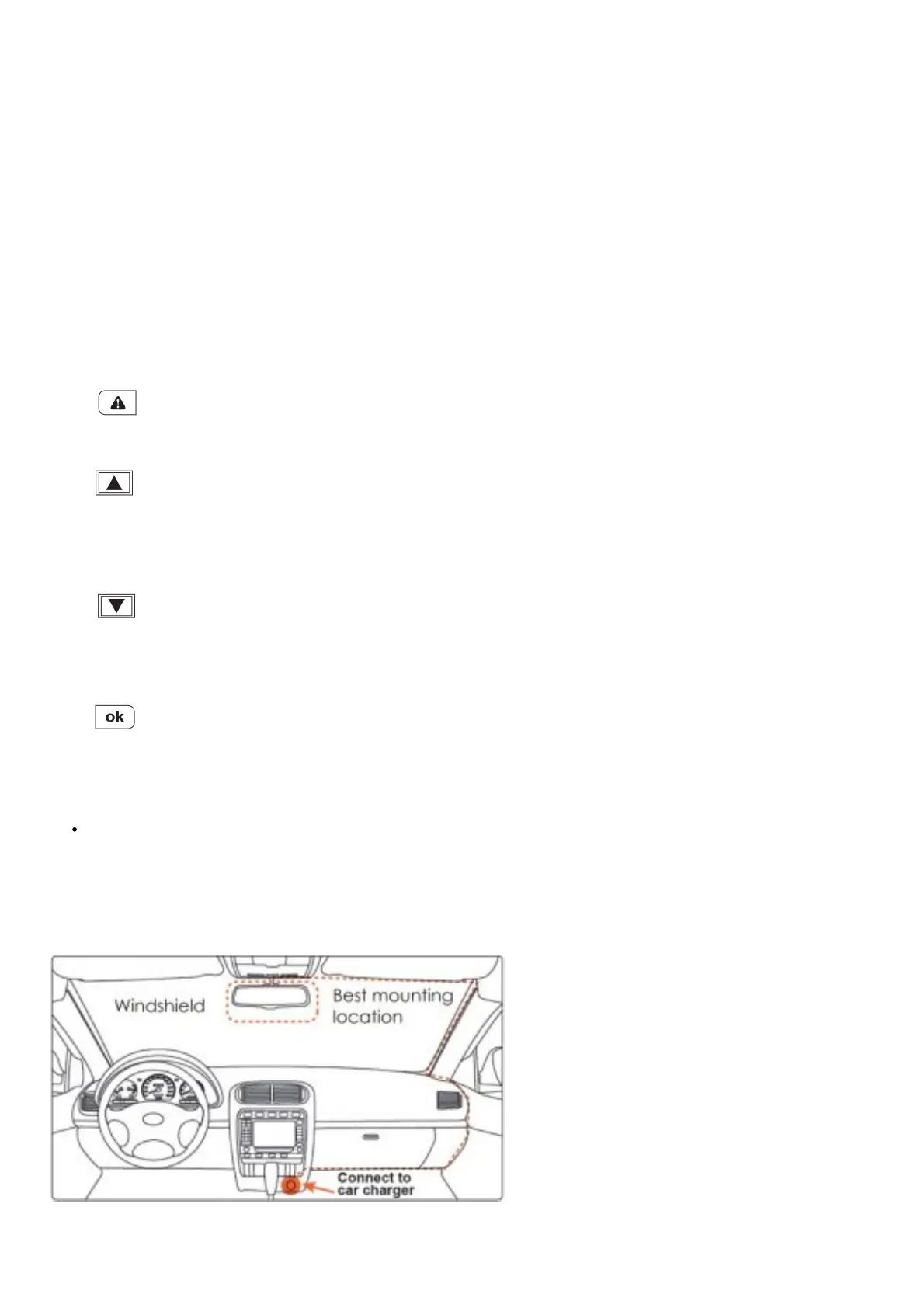
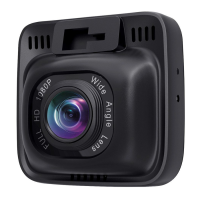
For optimal performance, install the AUKEY DR01 in the top-center of your windshield, facing directly ahead. Use the cable
clips to help fix the power cable conveniently and safely like in the picture below.
Caution:
We are not responsible for any damage caused to or by the air bag due to incorrect placement of the device or its cable.


 To Next Page