- 03 -
Powering On / Off
● Press and hold the power button for 3 seconds, and the LED indicator will light up
blue / turn off
Pairing
1. When you turn on the speaker, it will automatically enter pairing mode and the
LED indicator will start to flash blue rapidly
2. Activate the pairing function on your phone or other compatible device and
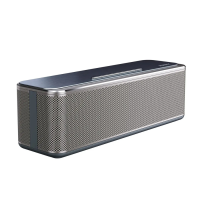
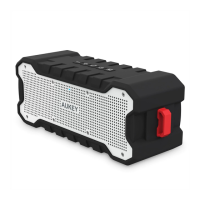
select “AUKEY SK-M12”
3. If a code or pin is required for pairing, enter “0000”
4. When successfully paired, you will hear a tone and the LED indicator will stay blue
Notes
● To reset the speaker (to clear program errors), use the included pin to carefully
short-press the reset button
● The speaker will automatically shut down after 10 minutes in pairing mode if no
devices are paired
● If your paired device is switched off or manually disconnected, the speaker will
enter pairing mode and automatically shut down after 10 minutes
● If the speaker or connected device exceeds the operating range, the speaker
will disconnect. The connection to the last successfully connected device will be
re-established once you re-enter wireless range within 10 minutes. To connect to
other devices, repeat the previous “Pairing” steps
Playing Audio via Audio Input Connection
Connect the SK-M12 to your PC, laptop, or other device with audio output port
using the included 3.5mm audio cable. Press the power button to turn on, and the
LED indicator will light up blue.
Notes
● The speaker will disconnect from your phone or other paired devices when an
audio cable is plugged into the audio input jack. Short-press the mode button to
switch back to BT mode
● When playing audio using the audio input jack, press the volume + / - to adjust
the volume and short-press multi-function button to pause or resume. Next / previous
track control on the speaker is disabled in audio input mode
● For some computers, you may need to access the audio control panel to manually
set the speaker as the default audio device
EQ Modes
The speaker has 2 EQ (equalization) sound modes – indoor mode (enhanced bass)
and outdoor mode (boosted treble).
● Long-press mode button to toggle between modes
Controls & LED Indicator


 To Next Page