29
EN
GETTING STARTED
Plug the adaptor into the DC in socket (on the rear of the product).
“Welcome” will be shown on the screen. Meanwhile, the radio will scan the
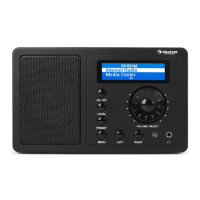
available access point automatically. You can use the Volume/Navigator
button to choose the internet, and then press OK to conrm the internet.
The steps are as below for rst use:
1 There will be a prompt: Would you like to congure Network now?
Press Navigator knob to Choose YES. Then the internet radio will scan
available network.
2 Choose the network you want to connect by switching the navigator
knob and press it to conrm.
3 It will remind you to enter your password by switching the navigator
button to input the number, letter or character. After nishing input,
press the navigator knob to conrm your input.
4 Then your internet radio will be connected to your network.
Note: When you need input the internet password, please press
Navigator button to choose the characters. In this condition, press Left
button can turn left and delete the left characters at the same time.
Below characters are available for the radio:
• Numbers (from 0-9)
• English letters ( from A to Z and from a to z)
• Other characters ( DEL ,@, lank,!,”,#,$,%,&,*,’,+ and (,).


 To Next Page