13
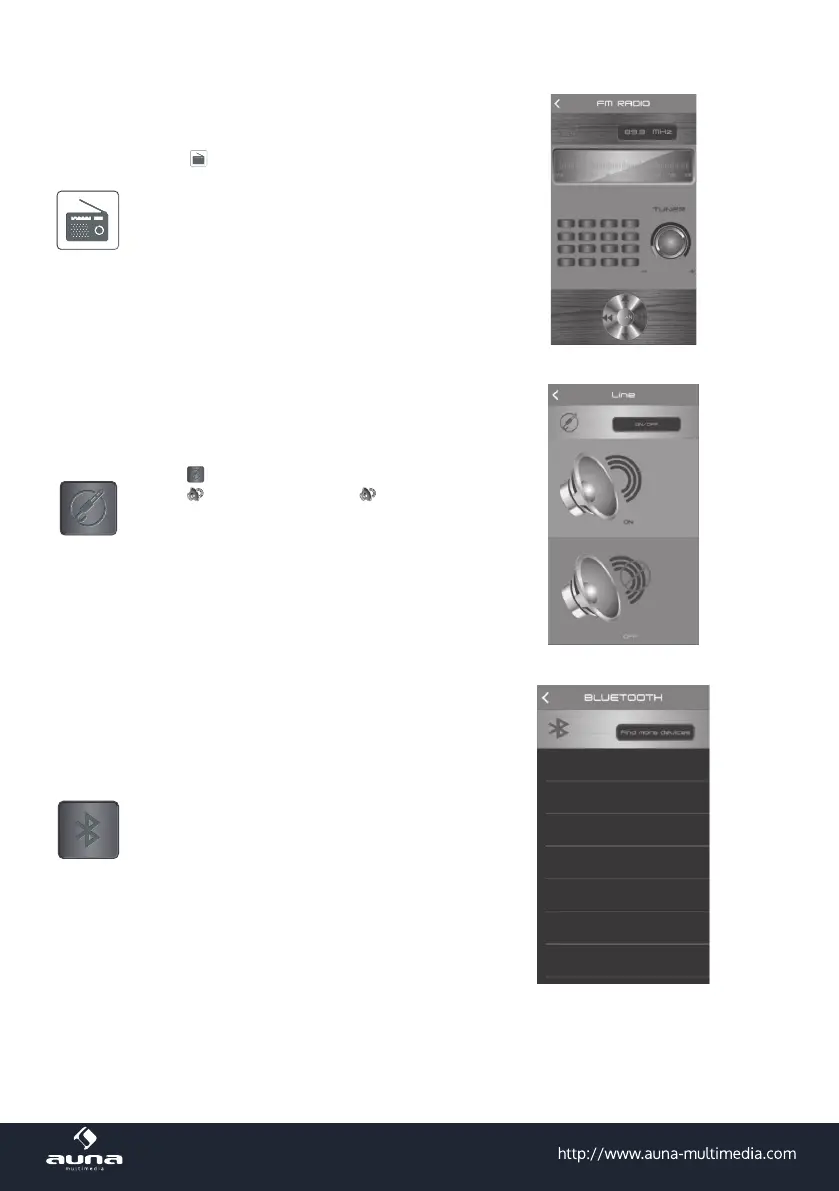
Radio
Press to enter into FM radio mode,
press SCAN to enter into radio program
automatic scan. Press for radio pro-
gram manual scan Top and bottom
trimming, Turn the TUNER button radio
station can be adjusted. Slide around to
adjust radio frequency between
87.5MHz~108.0MHz..
Press to enter into Line IN input page,
press
to mute music. Press to insert
a line continue play. Press „Back“ to main
page.
(7) Equalizer and Volume Adjustment:
Press to enter into BT Control connection
page, then click „Speaker
Pro BLE“ to connect to the speaker.
(6)Line In input - mute



 To Next Page