13
EN
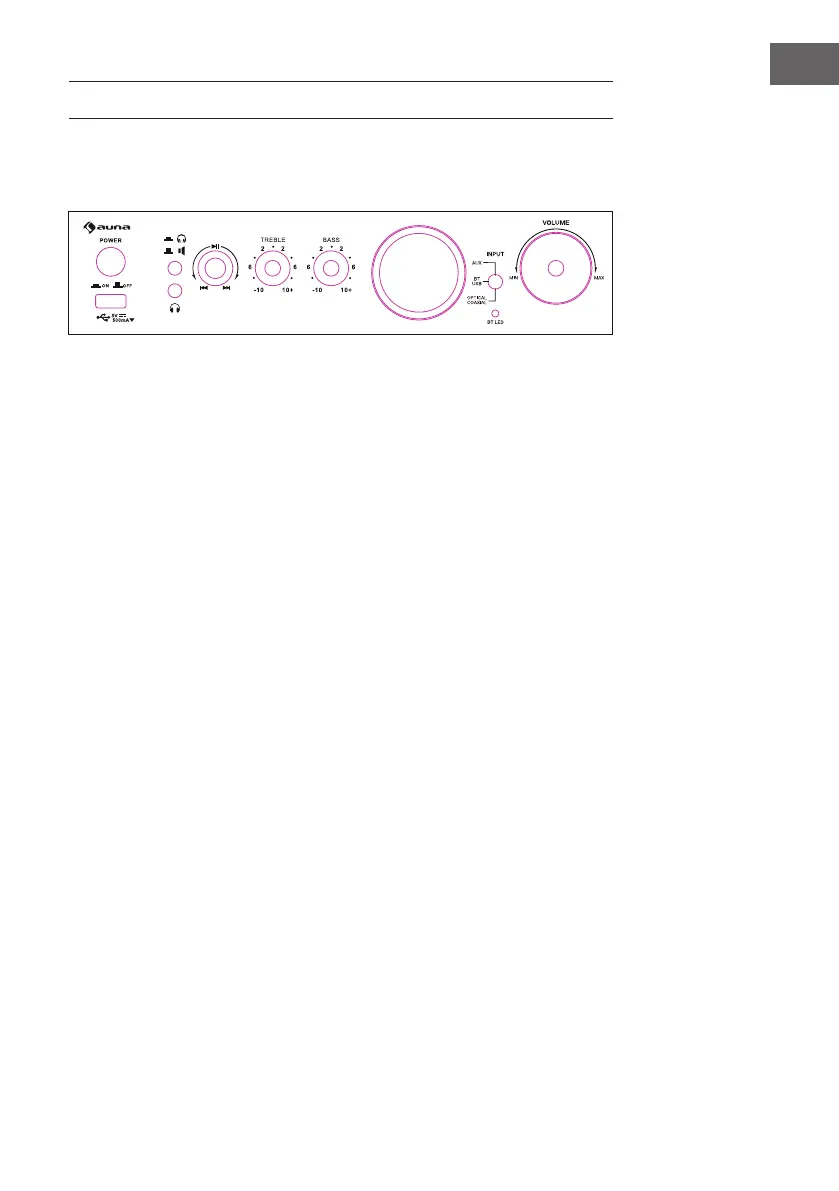
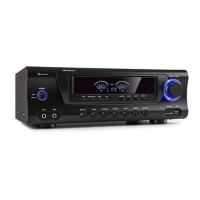
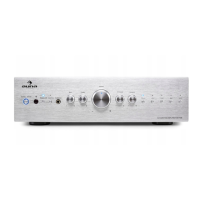
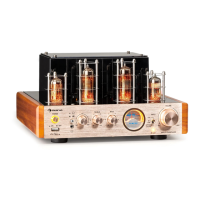
FEATURES AND CONTROLS
Front
1 Power
Press this button to power ON/OFF the unit.
2 USB
Connect your USB card here.
3 Headphone & Speaker Switch
Press this button to switch between headphone output & speaker
output.
4 Headphone Output
Connect your headphone here.
5 Play/Pause & PREV & NEXT
Press this button to pause the playing. Press again to play. Turn this
button clockwise to go to next track. Turn this button counterclockwise
to go to previous track.
6 TREBLE
Press this button and then turn the volume knob to adjust the treble of
output.
7 BASS
Press this button and then turn the volume knob to adjust the bass of
output.
8 INPUT
Use this switch to switch among all input modes.
9 VOLUME
Use this knob to adjust the master volume, bass or treble of output.
1
3
4
5
6 7
8
9
2


 To Next Page