30
EN
COMMISSIONING AND OPERATION
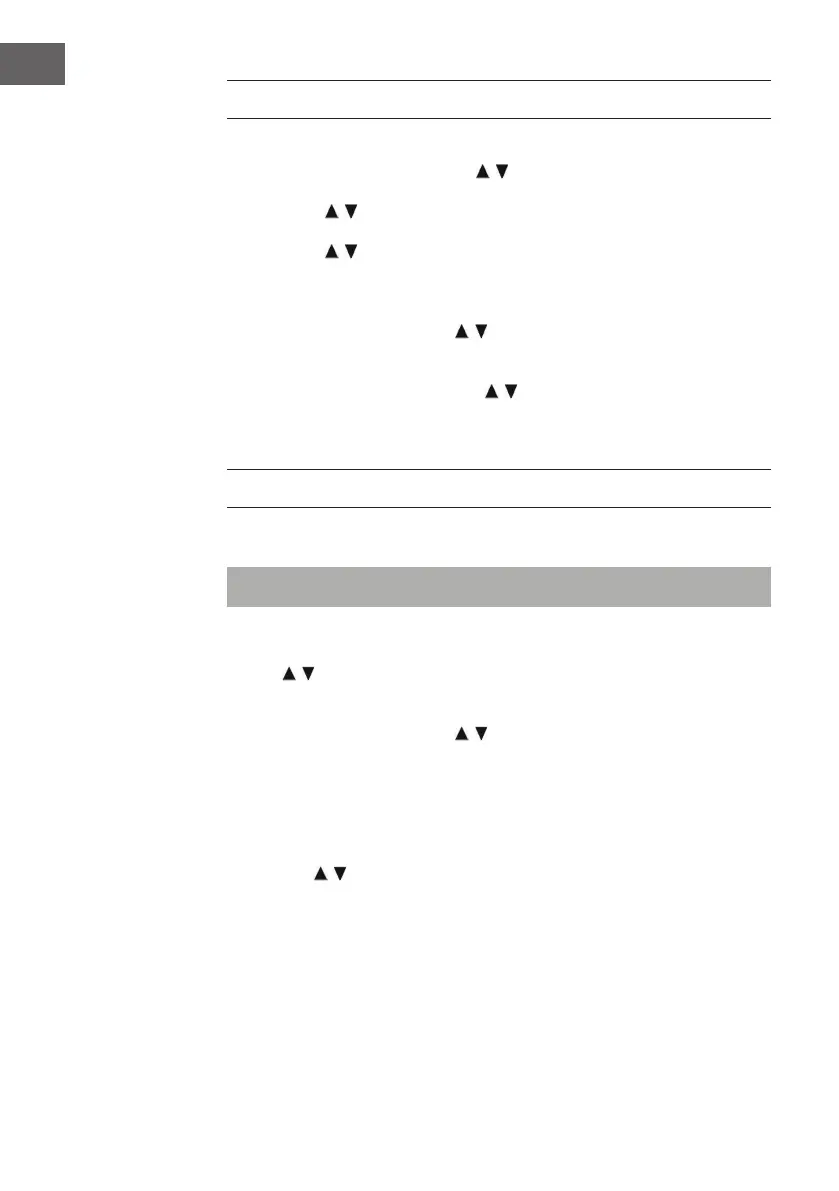
1. After you have made the settings shown above, the unit switches to
Internet radio mode. Press the / buttons and select „Station list“.
Conrm your selection by pressing the OK button.
2. Press the / buttons to select „Stations“ and conrm your selection
by pressing the OK button.
3. Press the / buttons to select the desired search mode, such as
search by location, and press the OK button to conrm your selection.
4. For example, when searching for a location, various stations in the
immediate vicinity are listed on the screen. The desired station can
be selected by pressing the / , buttons. Conrm your selection by
pressing the OK button.
5. The radio stations found will be listed on the screen. The desired station
can be selected by pressing the / , buttons. Conrm your selection by
pressing the OK button.
6. Use the volume buttons (16) to adjust the desired volume.
RADIO MODE
Preset station (IR mode)
Note: Up to 10 radio stations can be stored.
1. Set the desired Internet radio station.
2. Press and hold the P button (11). Select the desired station by pressing
the
/ buttons and conrm your selection with the OK button (7).
3. Repeat steps 1 and 2 for all other stations.
4. If you want to access the stored stations, press the P button and select
the desired station with the / buttons. Conrm your selection by
pressing the OK button.
Manual station search (FM mode)
1. Press the MODE button (15) to select the FM mode.
2. Press the OK button to conrm.
3. Use the / buttons to select the desired channel.
4. Adjust the volume with the volume buttons (16).



 To Next Page