38
EN
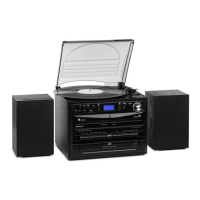
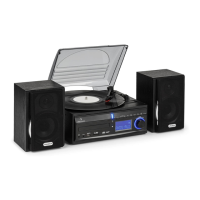
PHONO MODE (TURNTABLE)
Remove the needle guard. Make sure that the tonearm is removed from the
holder before using the turntable and then secured again.
1. Press the MODE button repeatedly to select the phono mode.
2. Press the OK button to conrm.
3. Move the speed selection (25) to the correct position, depending on the
record.
4. Place the record on the turntable (use the adapter if necessary).
5. Move the tonearm lever (27) upwards.
6. Slowly lift the tonearm o the holder and carefully move it towards the
record. The turntable will begin to rotate slowly. Position the tonearm
above the desired position on the record.
7. Pull the tonearm lever down. The tonearm is slowly lowered onto the
record and playback begins.
8. At the end of the record, the tonearm will automatically return to the
rest position.
9. Lift the tonearm o the record to stop it manually.
Pause
Raise the tonearm to pause playback temporarily.
Cartridge
Guard


 To Next Page