50
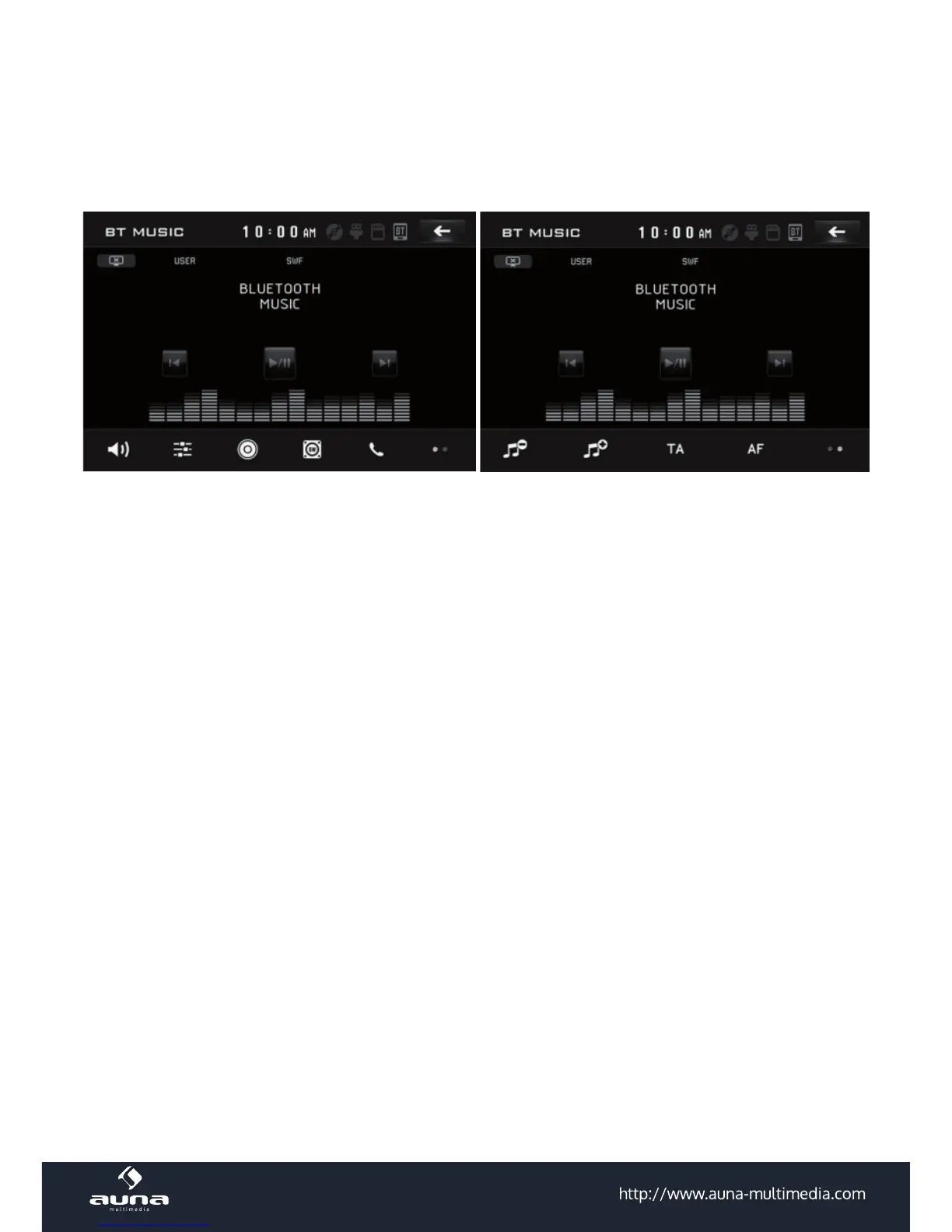
BT Music
Press BT in the source menu or use MODE to switch to the BT music menu.
Please note: Returning back to BT music playback after a interruption (due to a incoming call or the like) is
not possible with all mobile phones. Please read the manual of your cell phone befor using BT.
Use all buttons and functions correspondingly to the general media control functions. Fast rewind and fast
forward are not in use, though.



 To Next Page