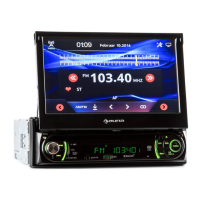
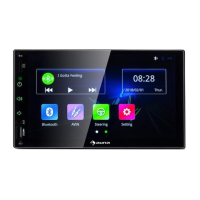
Basic Operations
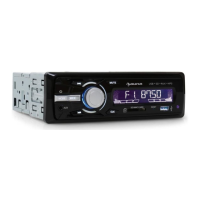
1. MODE/
On working state, short press can change the mode as follow: AUX—Radio—USB—SD (If SD card
and USB is available). Long press to power off, while on the power off state, short press to power
on. einzuschalten.
2. button
In radio mode, long press to search the station by hand forwardly,short press to search the
stations forward automatically. In MP3 mode, short press to select next song, long press to forward
quickly.
3. button
In radio mode, long press to search the station by hand backwardly,short press to search the
stations backward automatically. In MP3 mode short press to select previous song, long press to
backward quickly.
4. MUTE
Short press to enter or release the mute function.
5. CLK
Short press can show the present time. When the LCD show the time, long press to enter into hour
adjustment function, adjust it by rotating the volume control button Then short press repeat can
adjust minute, year, month and date with the same operation of hour adjustment.
6. VOL/R.CN
Turn the rotary Volume can turn down/up the volume. Under radio mode, short press the knob then
can choose the stations by rotating the volume knob.
Under music playing mode, short press repeat as following INT ON—INT OFF—RPT ON—RPT OFF—
RDM ON—RDM OFF—NO function.


 To Next Page