38
EN
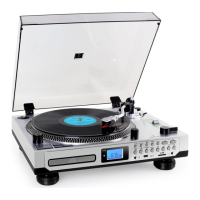
(4) Copy MP3 les
If you insert an MP3 CD, you can copy these les to USB or SD/MMC card.
Press „Record“ (9). The operation is the same as recording and recognized
MP3 les are copied.
Convert record
• Connect a USB memory to which you want to record (there must be
enough free space).
• Select the „Phono“ function (3) and then press „Record“ (9).
• The LCD display (2) will show „USB“ and then & will appear
and ash & during recording.
• Start playing and recording the record from the desired position.
• At the end of recording, press and hold „Record“ (9) until the text
„Phono“ is displayed on the LCD (2).
Convert cassette
• Connect a USB memory device to which you want to record (there must
be enough free memory).
• Select the „Tape“ function (3) and then press „Record“ (9).
• The LCD display (2) will show „Tape“ (3) and then & will
appear and ash & during recording.
• Start playing and recording the tape from the desired position.
• At the end of the recording, press „Record“ (9) again until the text
„Tape“ is displayed on the LCD (2).


 To Next Page