15
EN
Note: Below characters are available for the radio:
Numbers (from 0-9)
English letters (from A to Z and from a to z)
Other charcters ( DEL,@,Blank,!,”,#,$,%,&,*,’,+ and (,)
1 WPS PBC network conguration
Select “Yes WPS” when you would like set up with Wireless Network
(WPS PBC) feature: If you are using a router with WPS button, you may
set up the network connection simple via WPS function. Enter it and
go to press the WPS button on your router within 120 seconds. The
connection between the router and the Radio will then be congured
automatically.
2 No network conguration
Pls select “NO” when you do not like to congure the network
connection at the moment.
The radio will start connecting to the network. After the router is connected
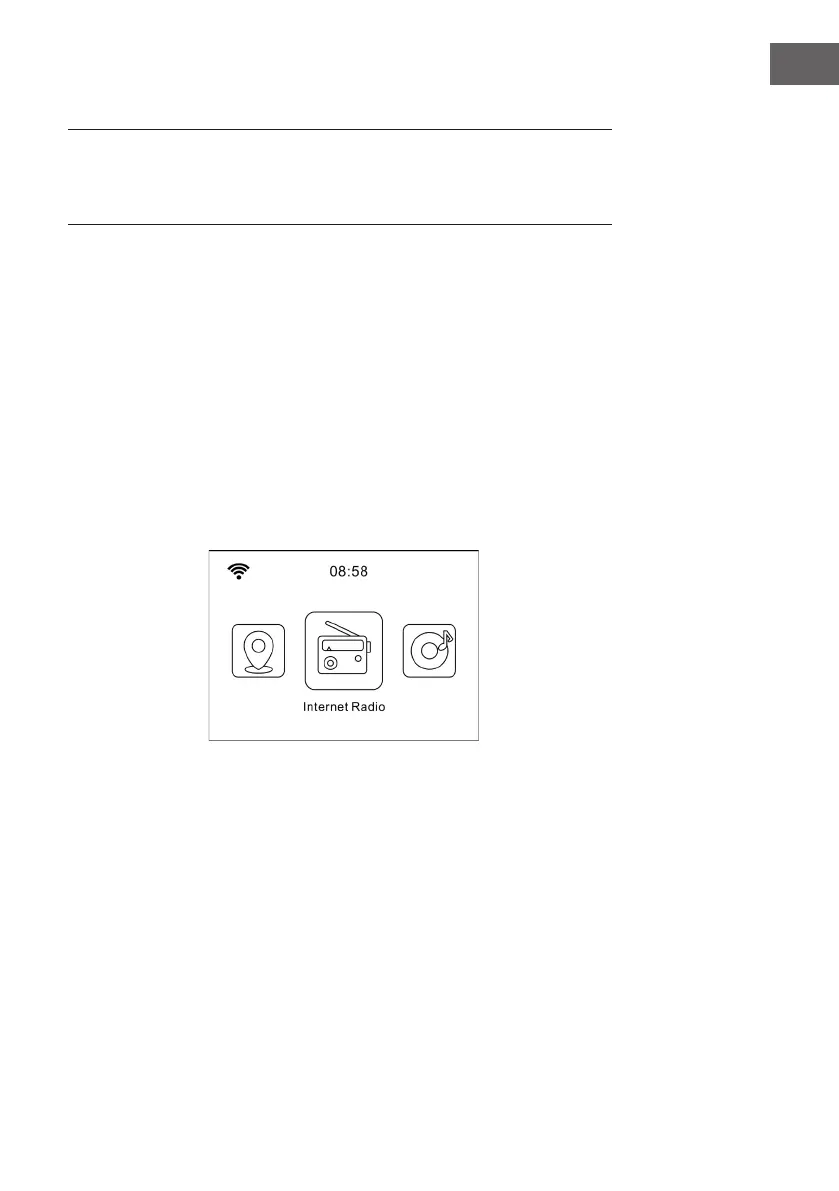
successfully, it will show “Network OK” and display the menu screen:









 To Next Page