EasyManua.ls Logo

auna SLK Series - User Manual

auna SLK Series
20 pages
Go to English
Print Icon
To Next Page IconTo Next Page
Loading...
www.auna-multimedia.com
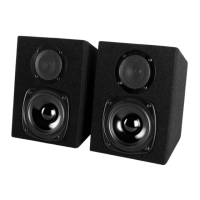
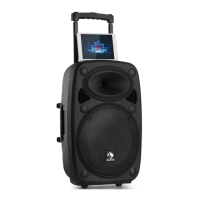
SLK-8-A 10-A 12-A 15-A
Aktiver PA-Lautsprecher
Aktive PA Speaker
10032271 10032272 10032273 10032274

Questions and Answers

  • T
    Travis FaulknerAug 11, 2025
    Why are my auna SLK Speakers making a constant buzzing noise?
    • K
      Kelly HartmanAug 11, 2025
      If your auna Speakers are producing constant noise, buzzing, or humming, a faulty electronic device in the signal chain may be the cause. To resolve this, check and correct the system grounding as needed. Also, perform a chain check to identify any noisy sources or electronic components. Ensure the wiring is properly shielded.
  • S
    Shelley OdonnellAug 20, 2025
    How to fix auna SLK Speakers with no sound?
    • C
      christopher48Aug 21, 2025
      If your auna Speakers have no output, the issue might be with the cables. Try the following: * Reset all connectors * Substitute with known good cables * Check solder joints * Inspect cables for damage * Inspect wires or connectors for stray strands that may short
  • K
    Kathleen GarciaAug 30, 2025
    What to do if my auna SLK have intermittent sound?
    • M
      Maria WilliamsAug 30, 2025
      If your auna Speakers have intermittent output, the issue is likely due to poor connections, especially in the output cable or connector. Check the soldering on your connectors to ensure they are secure.

auna SLK Series Specifications

General IconGeneral
Brandauna
ModelSLK Series
CategorySpeakers
LanguageEnglish

Related product manuals