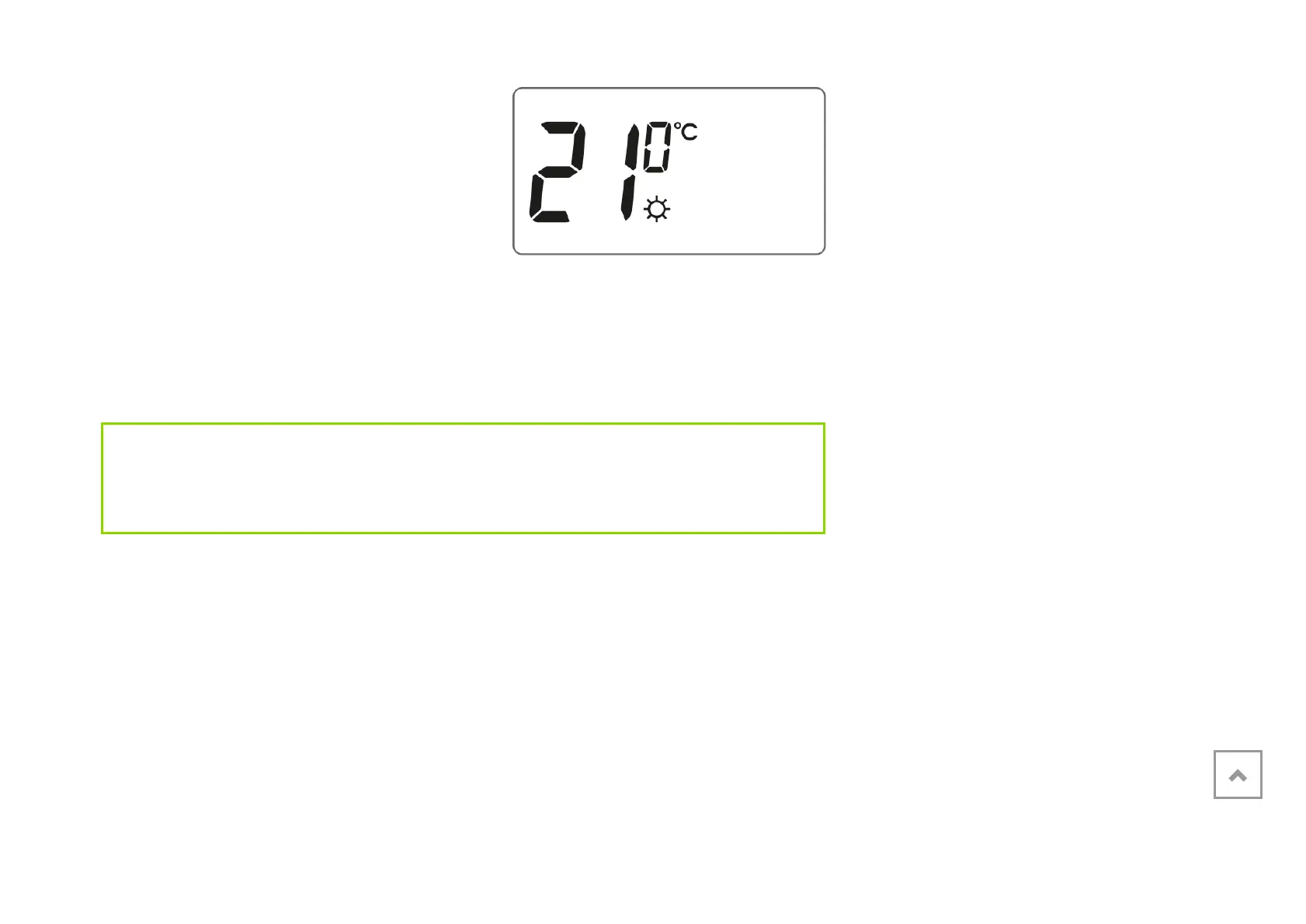
2. The display will show the currently set
temperature with one of the two
symbols:
S – day temperature;
T – night temperature.
3. Turn the knob to the left or right to set the desired temperature value.
4. Pressing the n button will switch the edit mode between the day and night
temperatures (S, T).
5. After setting the temperatures, confirm using the () button.
IMPORTANT:
The night temperature setting can be equal to or lower than the day temperature. It
is impossible for the night temperature to be higher than the day temperature.
Introduction to programming
Timeline
The timeline on the LCD display is divided into 24 sections. Each of them symbolizes 1
hour of the day.
Black rectangles above the timeline mean that the day temperature has been



 To Next Page