MASTER RESET is performed by pressing and holding the ( button and at the same
time installing the batteries. This causes AURATON Libra to return to its factory
settings.
IMPORTANT:
All user-defined programs will be removed!
Configuration settings
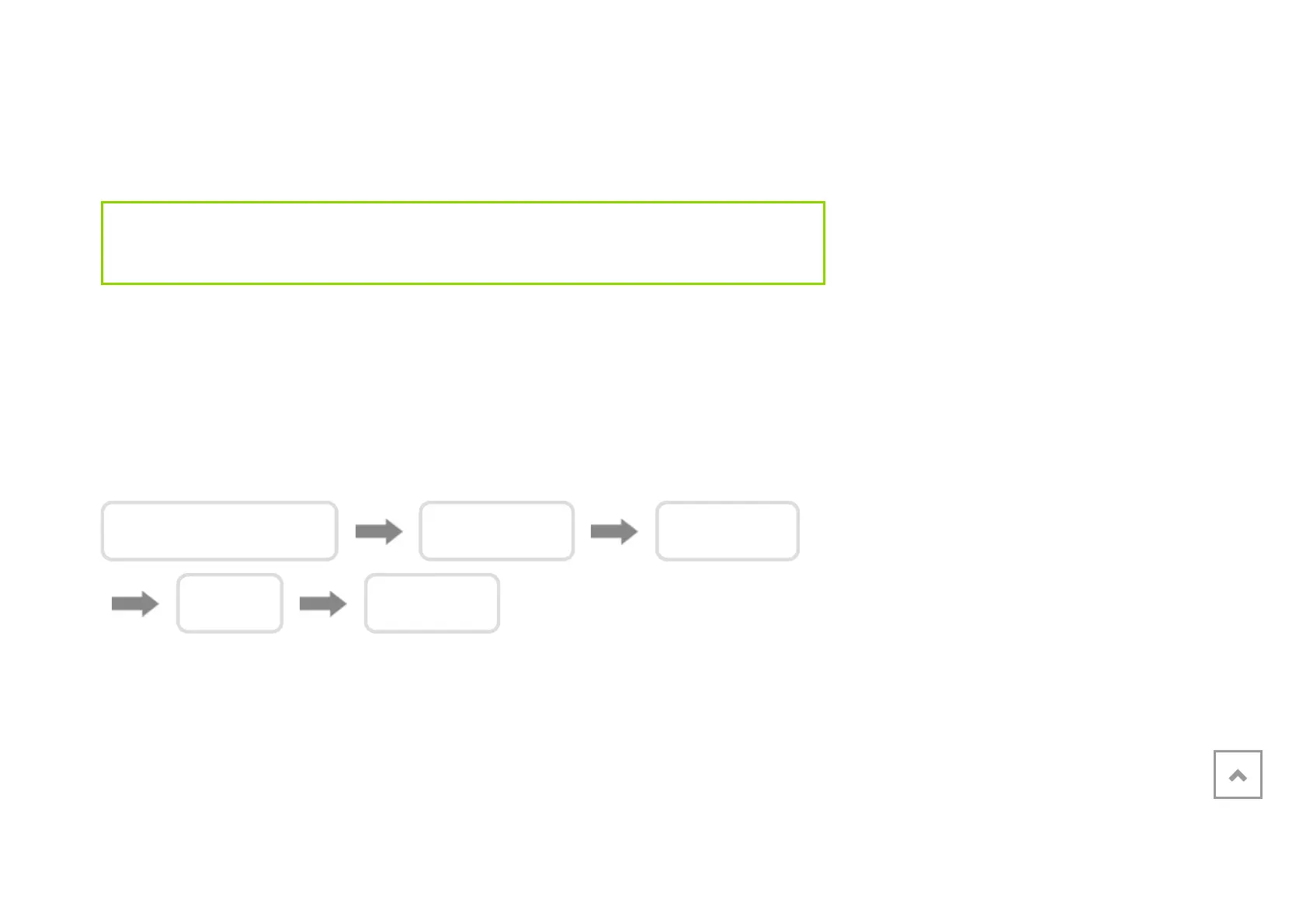
Configuration settings are set one after another:
heating mode/
air-conditioning mode
Changes
in hysteresis
Changes
in the delay
Offset
change
Clock
calibration
To enter the edit mode of the configuration settings, hold the h and ( buttons
simultaneously for 3 seconds until the settings menu is displayed.
Heating mode/air-conditioning mode



 To Next Page