Basic Use
Powering the LCD TV
Power on/oī
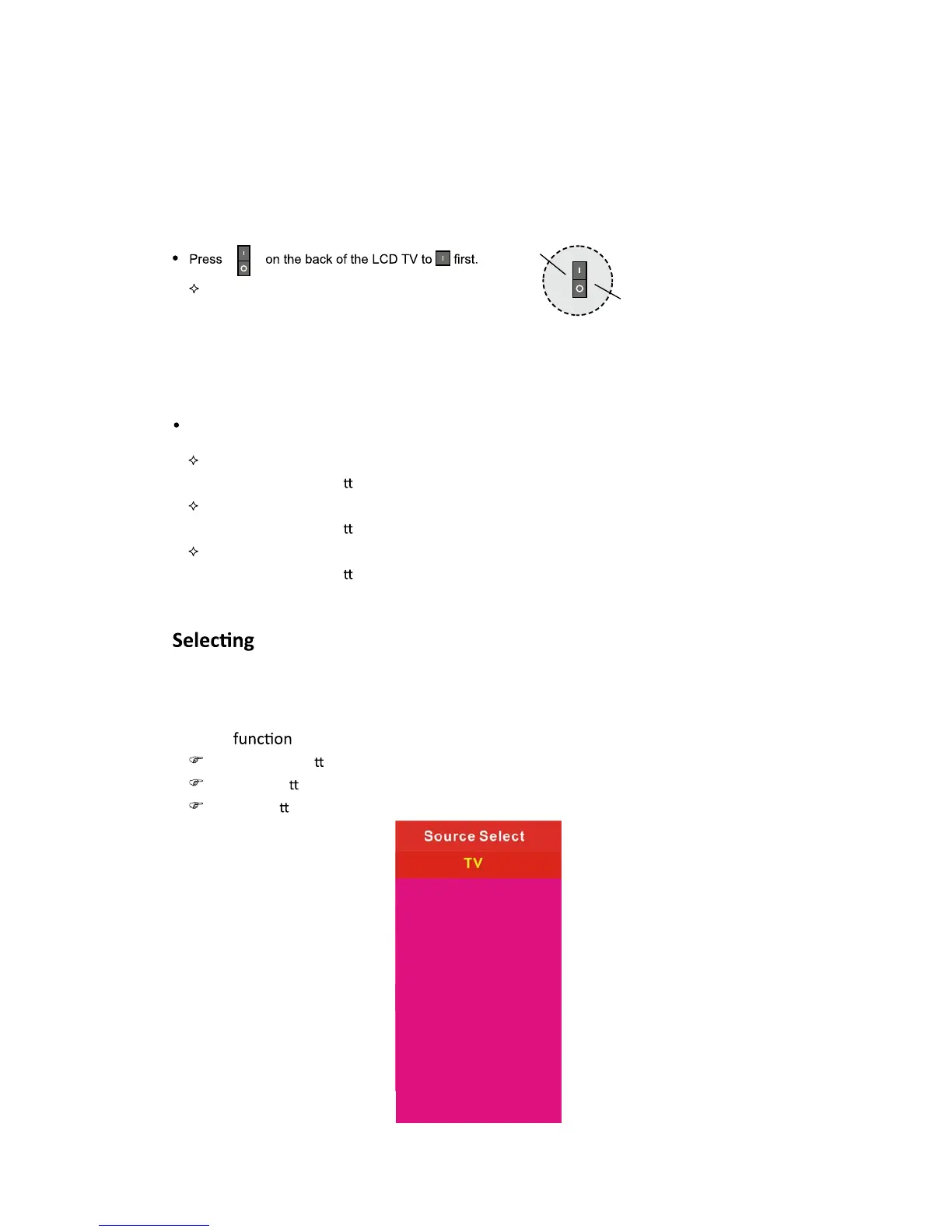
To turn the LCD TV on:
Press the 'POWER' bu
on.
To turn the LCD TV oī:
Press the 'POWER' bu
on on the LCD TV.
To turn on/oī by remote control:
Press the 'POWER' bu
on of the remote control.
Input Source
You can select between the TV signal and the input signal of other equipments
connected to the TV.
Use this
to switch to the input source you wish to view.
Press SOURCE bu on on the remote control.
Use Ÿ/ź bu ons to move to the desired input source.
Press Ź bu on to select.
11
To turn on the LCD TV
Be sure to turn off the power and unplug both units
from the wall outlet before making any connections.
Power on
Power off
AV
YPbPr1
YPbPr2
S-Video
HDMI1
HDMI2
HDMI3
VGA
Media


 To Next Page