73 GB/IE
If the temperature alarm is activated, the corresponding symbol appears next to the
outdoor temperature. The alarm signal sounds at the set values.
If the temperature and frost alarm are activated, both symbols appear in the display.
Background lighting
Press the SNOOZE / LIGHT button
33
. The backlight illuminates for 5 seconds.
Battery state display
The battery state display
20
,
26
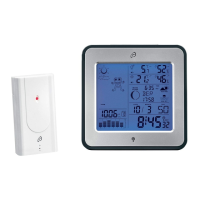
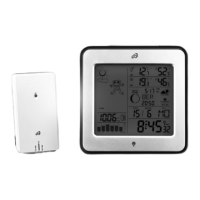
appears in the weather station’s LC display if the
batteries are weak. Make sure you replace the batteries at the earliest opportunity
(see “Changing the batteries”).
Changing the batteries
Weather station:
Replace the batteries if the LC display becomes illegible or if the battery display
20
is shown.






 To Next Page