12 GB/IE
Remove the battery if the device is not in
use for any length of time.
Do not under any circumstances short-
circuit the terminals.
Getting started
Remove the protective foil before first use.
Inserting / changing
the battery
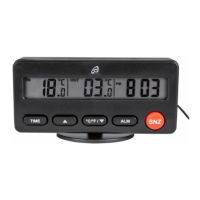
Open the battery compartment
11
on the
back of the device by pulling the battery
compartment cover
9
up by its exten-
sion
10
off the battery compartment
11
(see Fig. B).
Insert the supplied battery with the correct
polarity, or replace a spent battery with
a new one.
Place the battery compartment cover
9
back on the battery compartment
11
to
close it.
24.02.11 14:55



 To Next Page