16 GB/IE
adhesion. After installation, do not change the
position of the self-adhesive pad
15
, otherwise
the level of adhesion achieved by the self-
adhesive pad could be reduced.
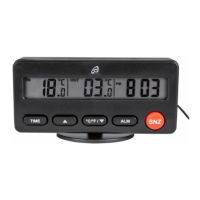
Temperature memory
Press the MIN / MAX button
7
to show
the lowest temperature measured indoors,
“IN”
3
, and outdoors, “OUT”
4
.
Press the MIN / MAX button
7
again to
display the highest measured temperature.
Press the MIN / MAX button
7
again to
return to the current temperature.
Note: if the MIN / MAX button
7
is
not pressed for 5 seconds, the display
automatically reverts to the current
temperature.
Note: the stored minimum and maximum
temperature is deleted every day at
00:00 hours and measurement begins
again.
24.02.11 14:55



 To Next Page