www.AURO-Mobile.com/401
10
2.1 Keys and ports
Key Description
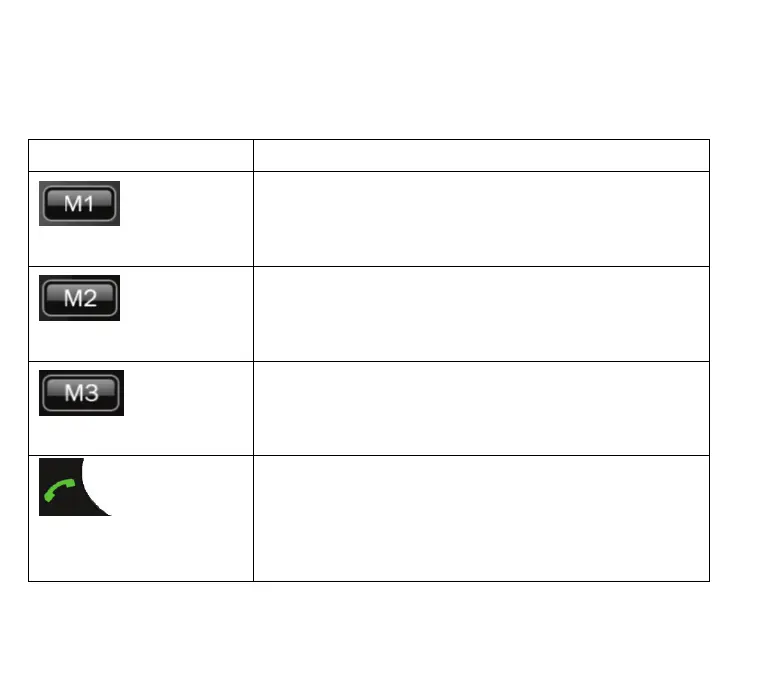
M1 key
Press the key for about 3 seconds and the
number you have saved is dialled directly.
M2 key
Press the key for about 3 seconds and the
number you have saved is dialled directly.
M3 key
Press the key for about 3 seconds and the
number you have saved is dialled directly.
Call key
This key is used to start the dialling process or
answer a call. Press this key briefly to open the
redial list.



 To Next Page