www.AURO-Mobile.com/401
18
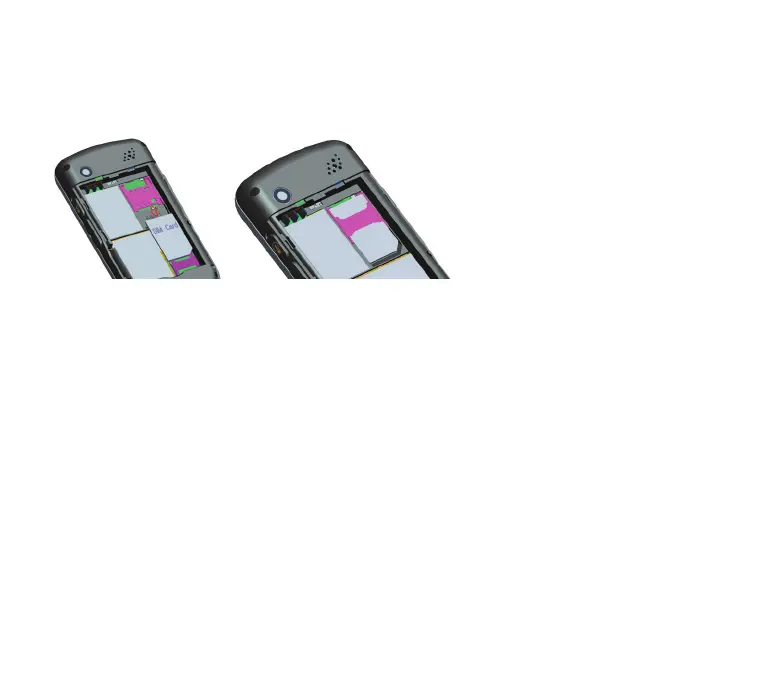
3.1.3 Inserting the SIM card
Lay the SIM card down carefully in the recess and push it cautiously under
the protective holder until it no longer moves. Then re-insert the battery
and close the battery compartment cover. After switching on the phone you
are prompted to enter the PIN number of the SIM card. Enter the
four-figure number that you have received from your network operator
along with the SIM card and confirm by pressing the OK key. After entering
the PIN number the phone switches into language selection mode. Select
the desired language for the menus (e.g. English) and confirm with the OK
key.



 To Next Page