AURO M401
Servicehotline: +49 (0) 1805 11 04 02
19
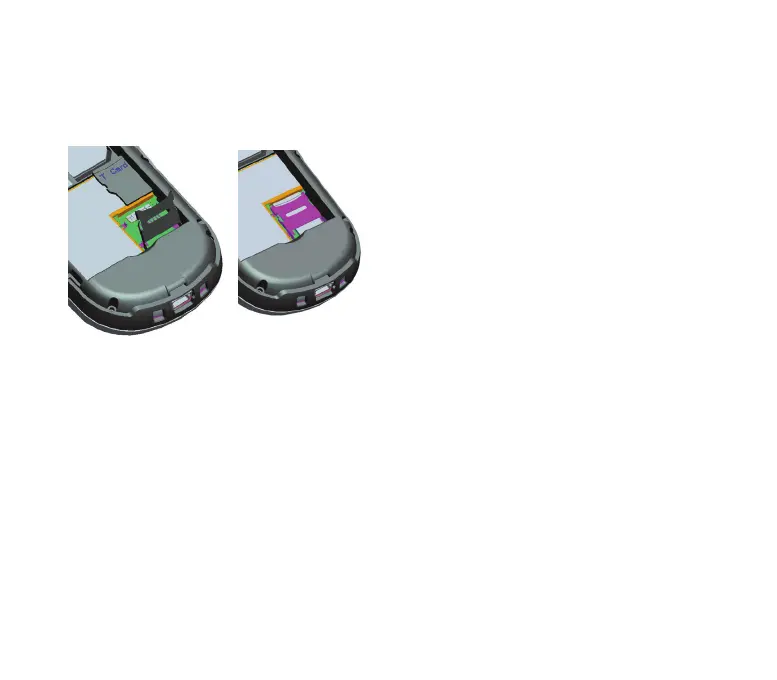
3.1.4 Inserting the microSD card
Slide the flap of the microSD card holder approx. 1 mm in the direction of the
telephone charging contact in order to release the lock. Then lift the flap and
place the microSD card into the provided recess. Close the flap again by
placing the cover onto the microSD card and then sliding it approx. 1 mm in
the direction of the upper part of the mobile phone until it engages.



 To Next Page