www.AURO-Mobile.com/401
12
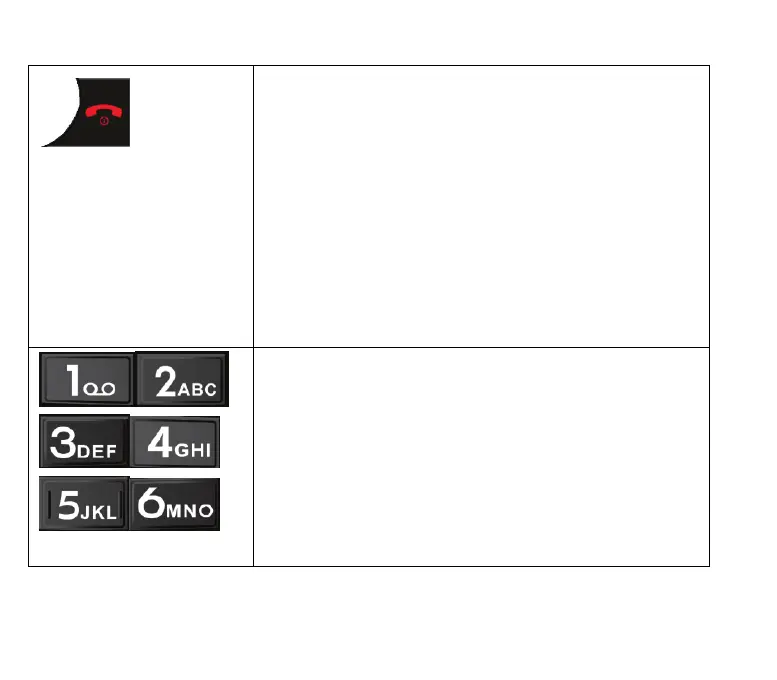
End call/Turn off key
When writing text, this key is used to delete the
last character entered.
When there is an incoming call, you can reject it
by pressing this key.
When a call is in progress, you use this key to
hang up and end the phone conversation.
Press this key for around 3 seconds and then
confirm with the OK key to turn off the phone.
Number keys
These are used in the standby mode to directly
enter the telephone number that is to be called.
If you have activated the speed dialling function,
you can dial stored phone numbers by pressing
and holding their assigned keys 2-9.
When writing text, you use these keys to select



 To Next Page