English
23
• Do not throw batteries/batteries into a re. Do not attempt to crush, puncture or otherwise
disassemble batteries/batteries for any reason.
• Keep the battery/battery pack away from open ames. Do not short-circuit the battery/
battery pack.
• Fully charge the product before using it for the rst time. This may take a few hours.
3. INSTRUCTIONS FOR USE
3.1 Charging
1. Before rst use, fully charge the built-in battery.
2. Connect the USB-C cable between the charging port on the product and a USB port on a
computer or a USB power adapter.
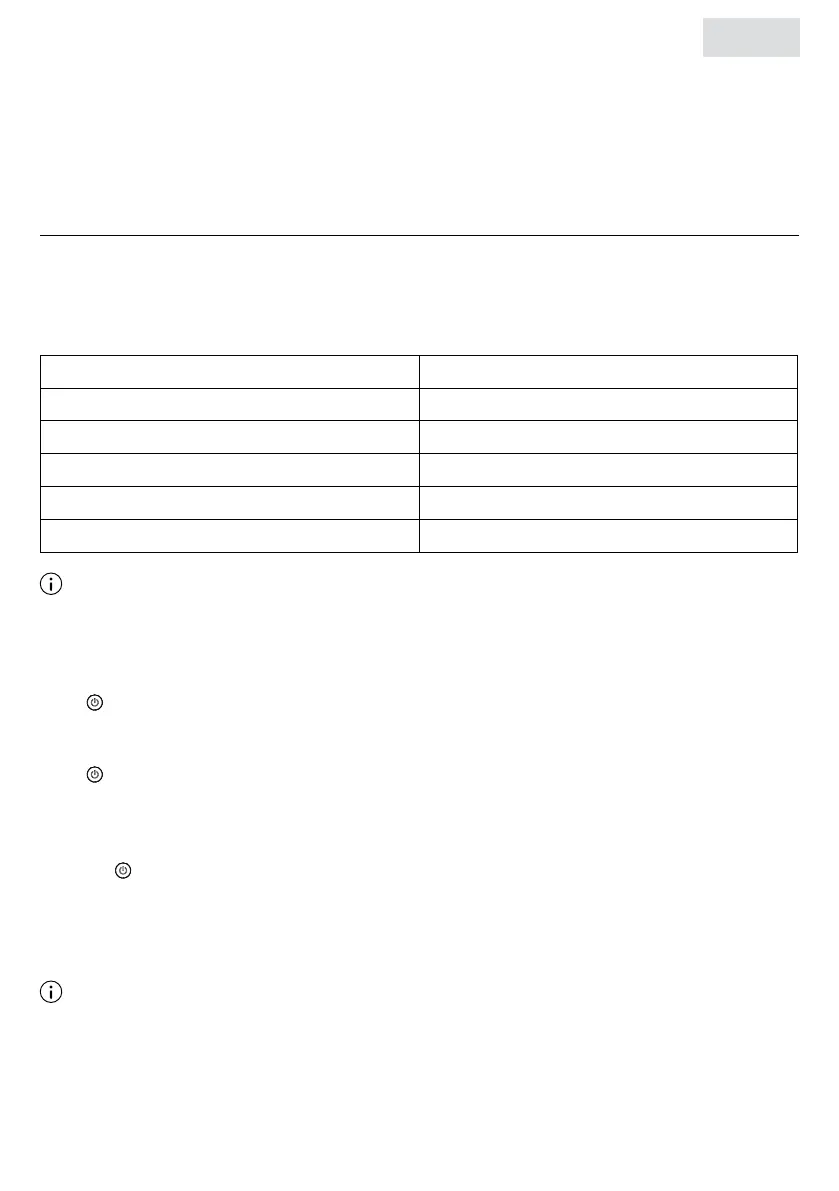
Battery status LED indicator for battery
Battery low (<20%) Blinks red (3 beeps at 20%, 10% and off)
30% charged First white light blinks
30-70% charged Second white light blinks
70-99% charged Third white light is ashing
3 solid white lights Fully charged
Note
◊ If the battery charge is <5%, the product will automatically turn off.
3.2 Turning on
Press until you hear a rising tone and the bluetooth LED indicator lights up.
3.3 Turning off
Press until you hear a descending tone and the bluetooth LED indicator turns off.
3.4 Making Bluetooth connection
Make sure the product is within 10 meters of your mobile device.
1. Press until you hear a rising tone and the bluetooth LED indicator ashes blue rapidly.
2. Go to the bluetooth settings on your mobile device, search and select “Auronic Partybox”
from the list.
3. Once the connection is established, the LED indicator will turn blue.
Note
◊ When turning on, the product automatically reconnects to the last mobile device it was
connected to. The product can remember up to 8 paired devices.
◊ The product automatically turns off after 10 minutes in pairing mode when no devices are
paired to save power.


 To Next Page
 Loading...